Changing your handle
Your handle is your @name on Ntice and the end of your profile link: ntice.app/yourhandle. You can change it once a month.once.

Watch how · 19 sec

Watch how · 18 sec
How to change your handle
5 steps
- 1
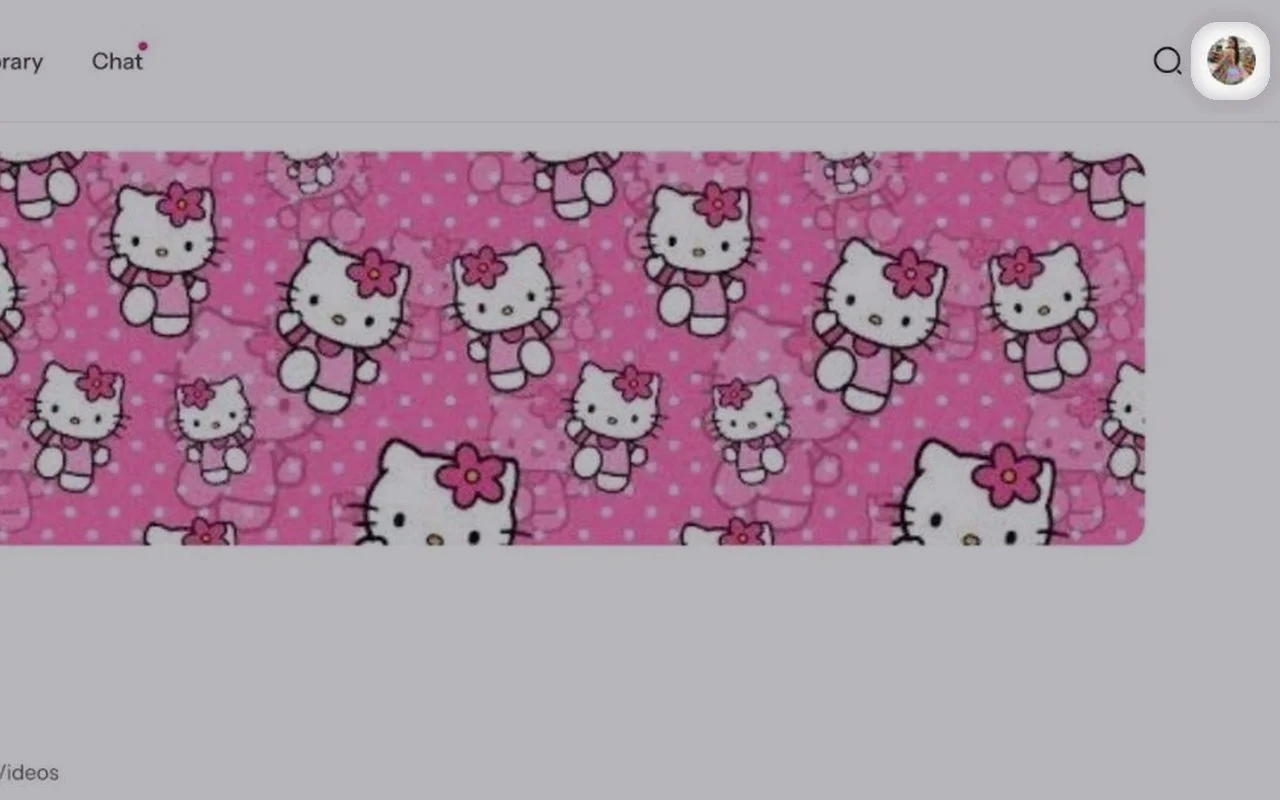
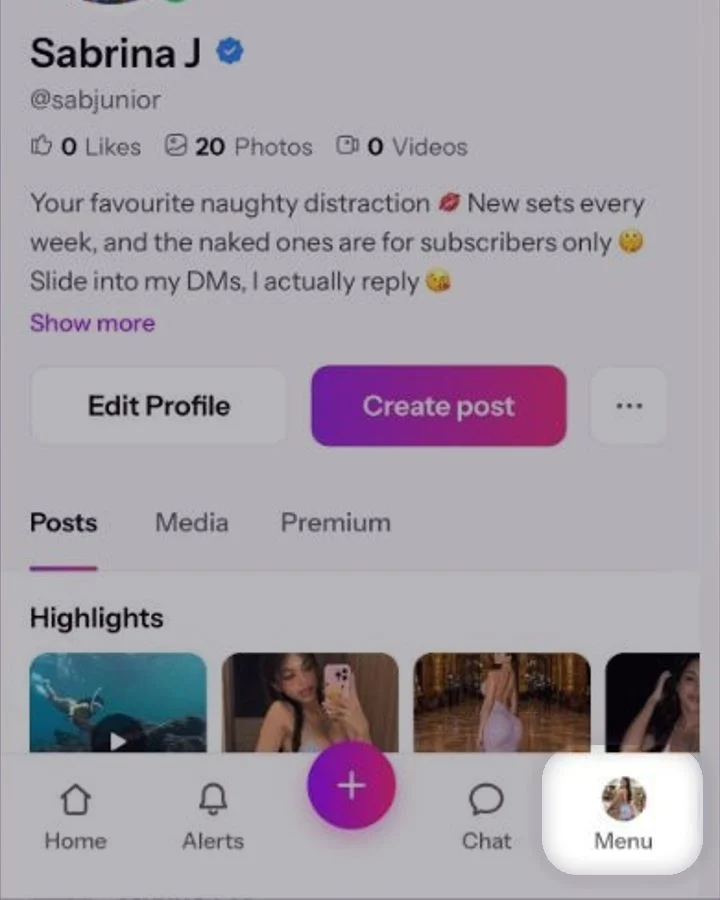
Open your profile menu
Click your profile photo in the top right corner.Tap Menu at the bottom right.
- 2
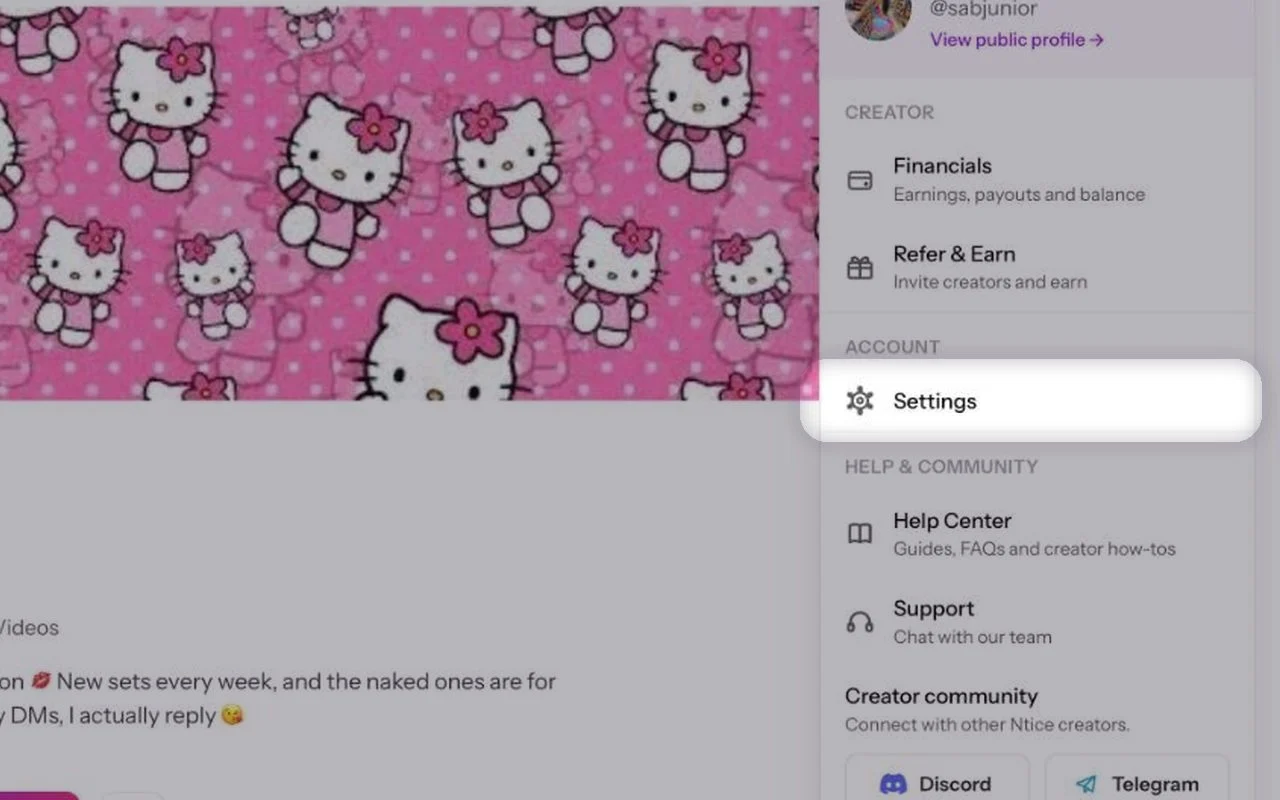
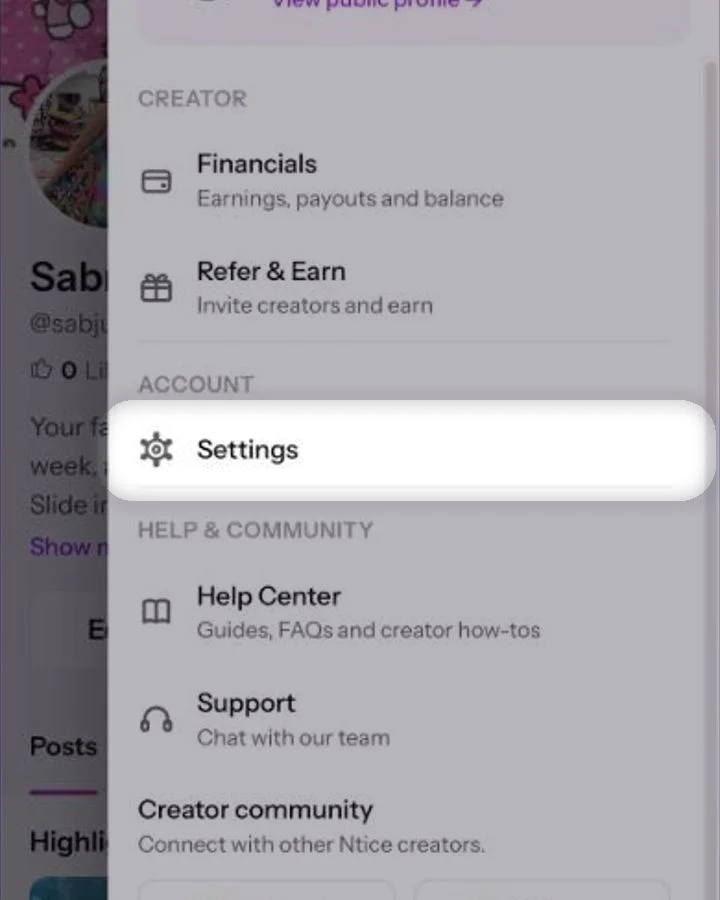
Go to Settings
In the menu, click Settings.Tap Settings.
- 3
Open Edit Profile
In the menu on the left, click Edit Profile.At the top, tap Edit Profile.
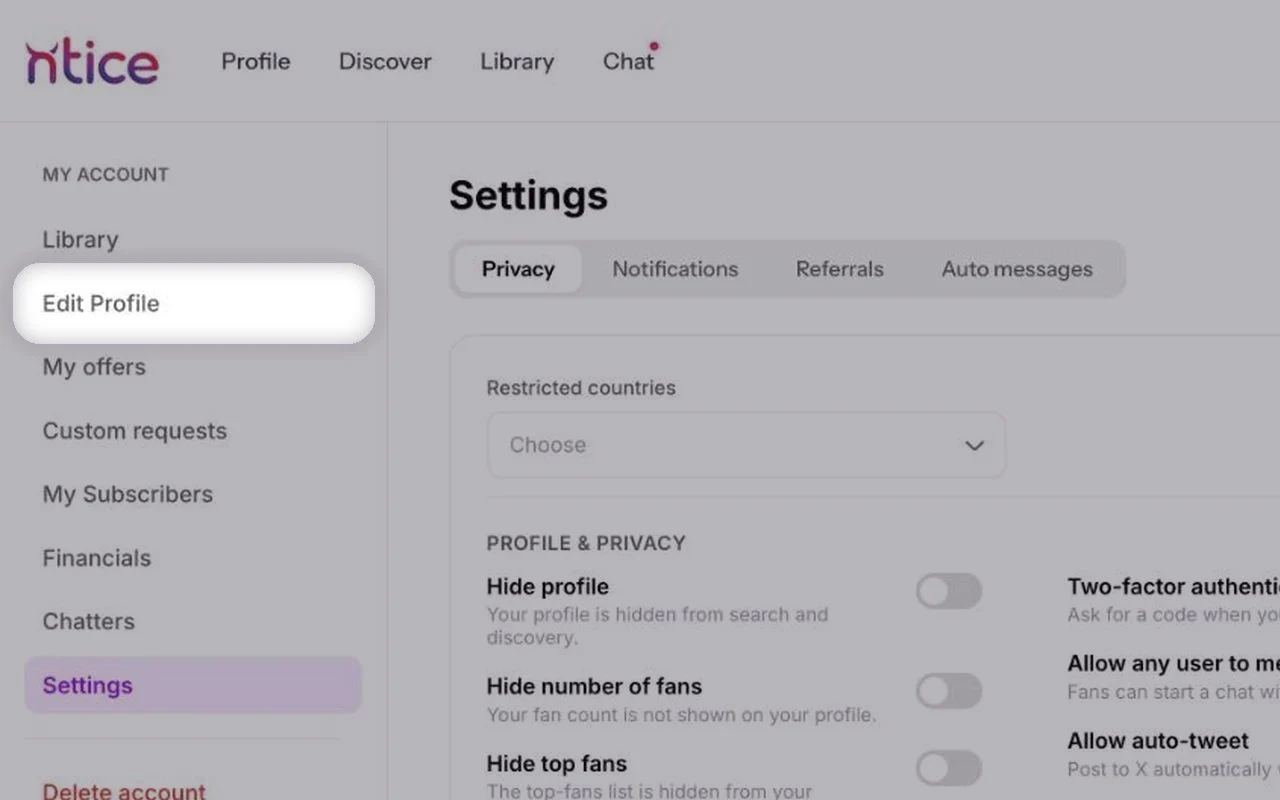
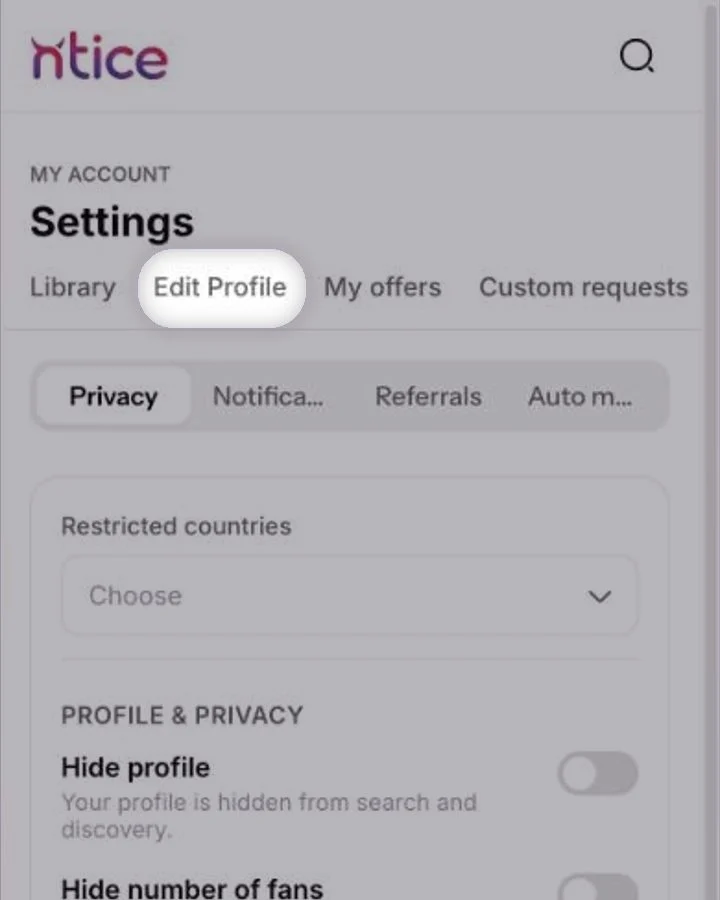
- 4
Type your new handle
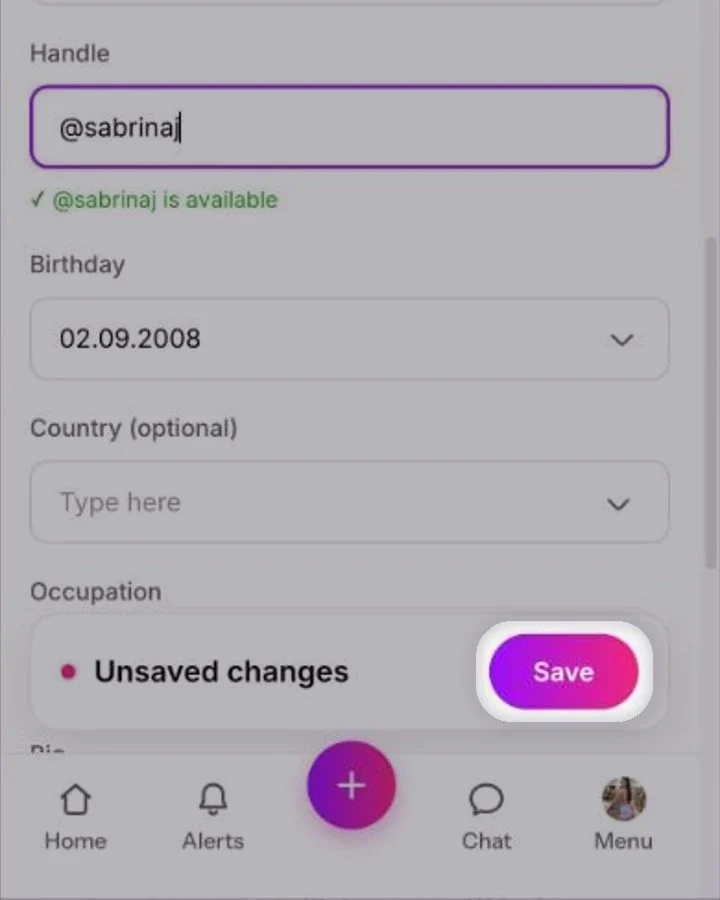
Under Profile information, click Handle and type your new handle.Under Profile information, tap Handle and type your new handle.
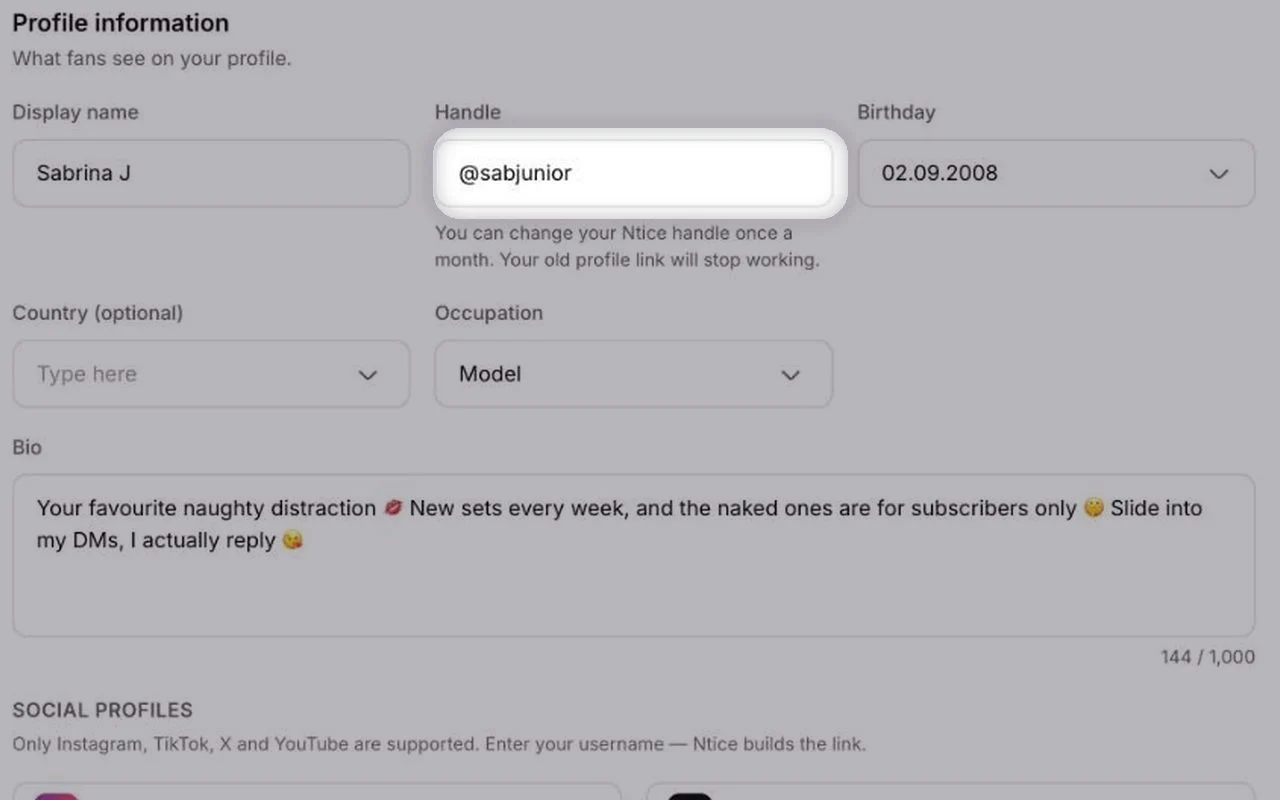
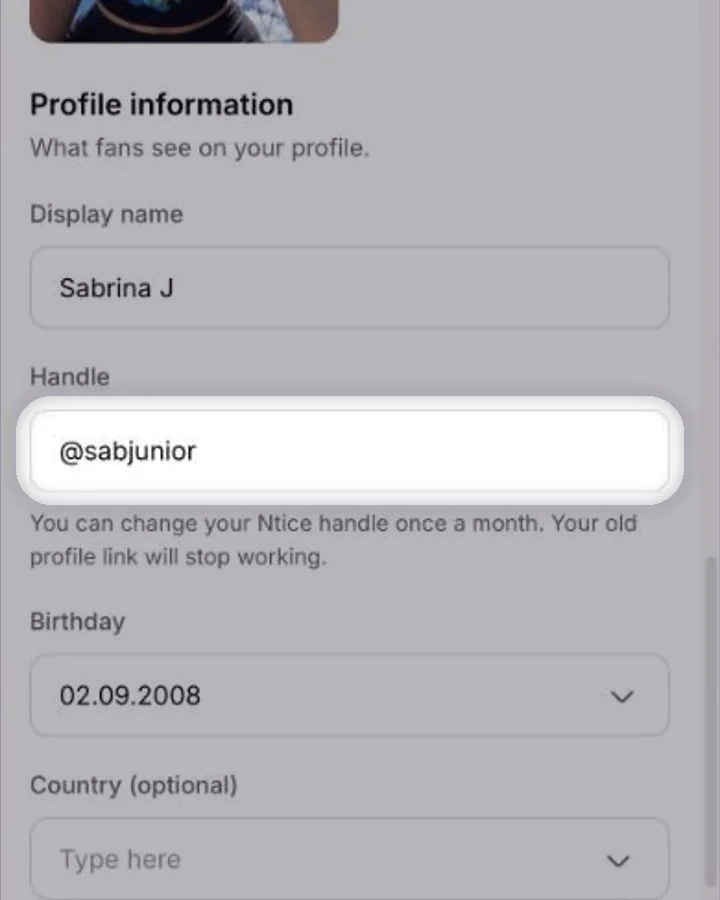
Save your changes
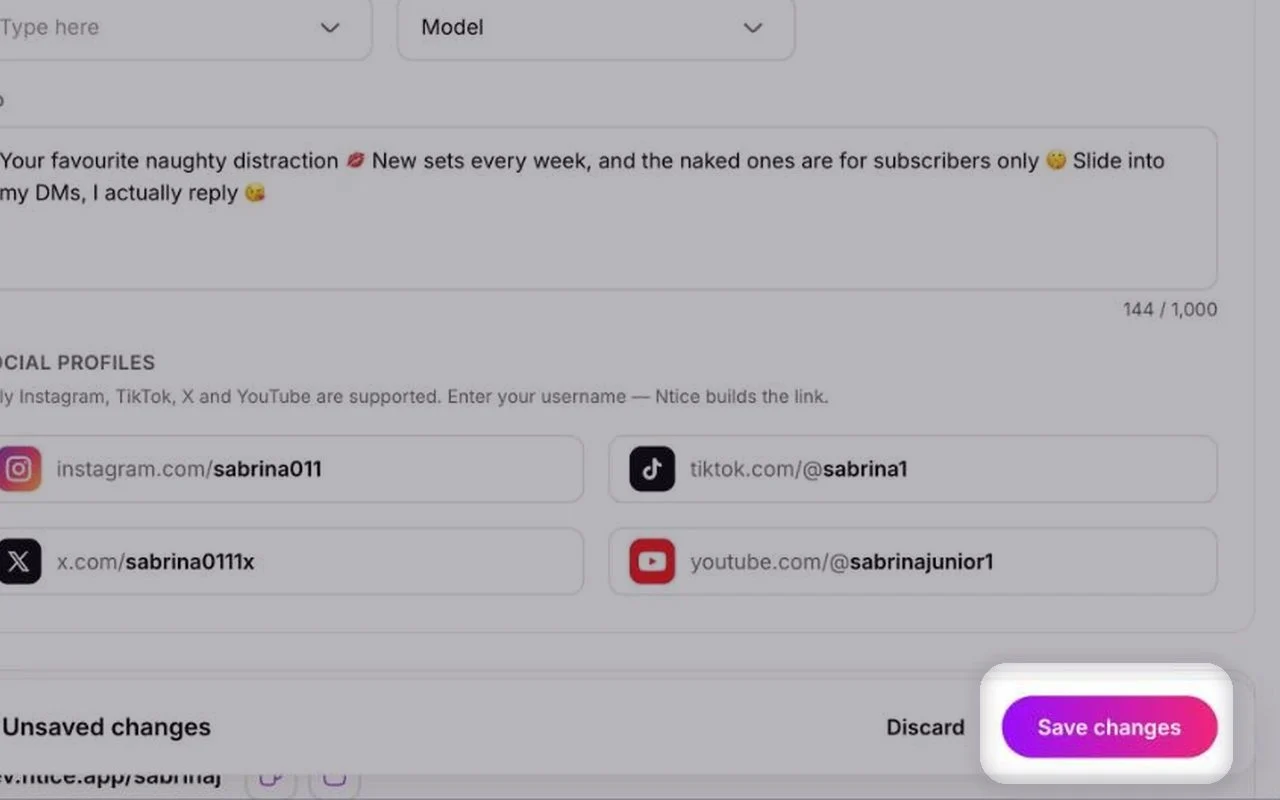
Click Save changes at the bottom. Changed your mind? Click Discard.Tap Save at the bottom.
After you change it
- Copy your new link from Profile link at the bottom of Edit Profile.
- Update it in your Instagram, TikTok, X and YouTube bios.
- Update any link-in-bio pages or pinned posts that use your old link.
- Want to track where new fans come from? Use Referral links.
Common questions
Once a month.Once.
No. Your old profile link stops working, so update it everywhere you shared it.
Keep reading
Account & profile Editing your creator profileGrowth & promotion
 Referral linksAccount & profile
 Adding Highlights to your profile
Editing your creator profileGrowth & promotionReferral linksAccount & profileAdding Highlights to your profileWas this helpful?Thanks!