Reporting a post, profile or message
Ntice is for adults sharing content they made and agreed to share. If you see something that breaks the rules, report it. Your report is anonymous: the other person never knows it was you.

Report a post
3 steps
- 1
Open the post menu
Click ••• at the top right of the post, then Report post.Tap ••• at the top right of the post, then Report post.
- 2
Pick a reason
Choose what’s wrong, then click Next.Choose what’s wrong, then tap Next.
Add details and send
Add anything that helps us check it, like what’s wrong or where you saw it. This is optional. Click Submit report.Add details if you like, then tap Submit report.
Report a profile
1 step
Use the profile menu
On the creator’s profile, click ••• next to her name, then Report.On the profile, tap ••• next to the name, then Report.
Report a message
In the chat, hover the message and click •••, then Report. On a phone, tap the message, then •••.
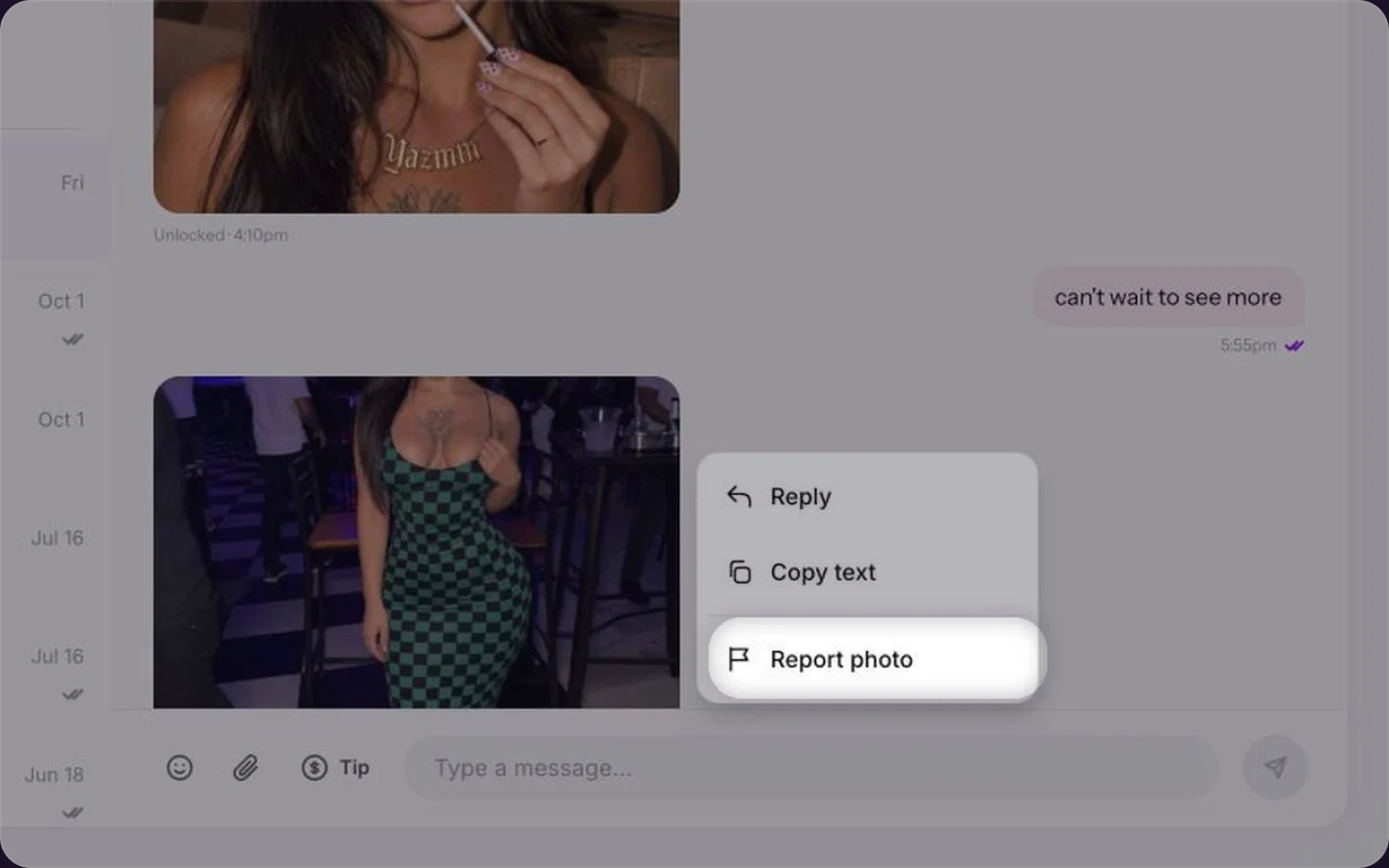

Reporting a message in chat.
The reasons you can choose
- Appears to involve a minor
- Shared without consent or stolen content
- Harassment or threats
- Violence or self-harm
- Scam or spam
- Pretending to be someone else
- Something else
Common questions
No. Reports are anonymous.
Yes. Anyone can report a post, profile or message.
Keep reading
 Contacting Ntice supportChat & fans
 Muting and blocking fansGetting started
 What is Ntice?