Pausing or deleting an offer
Running a free trial for one weekend, or a discount you want to stop? You can pause any custom offer and turn it back on later, or delete it for good.

Pause an offer
5 steps
- 1
Open your profile menu
Click your profile photo in the top right corner.Tap Menu at the bottom right.
- 2
Go to Settings
In the menu, click Settings.Tap Settings.
- 3
Open My offers
In the menu on the left, click My offers.At the top, tap My offers (swipe the row if you don’t see it).
- 4
Open Custom offers
At the top, click Custom offers.At the top, tap Custom offers.
Click DeactivateTap Deactivate
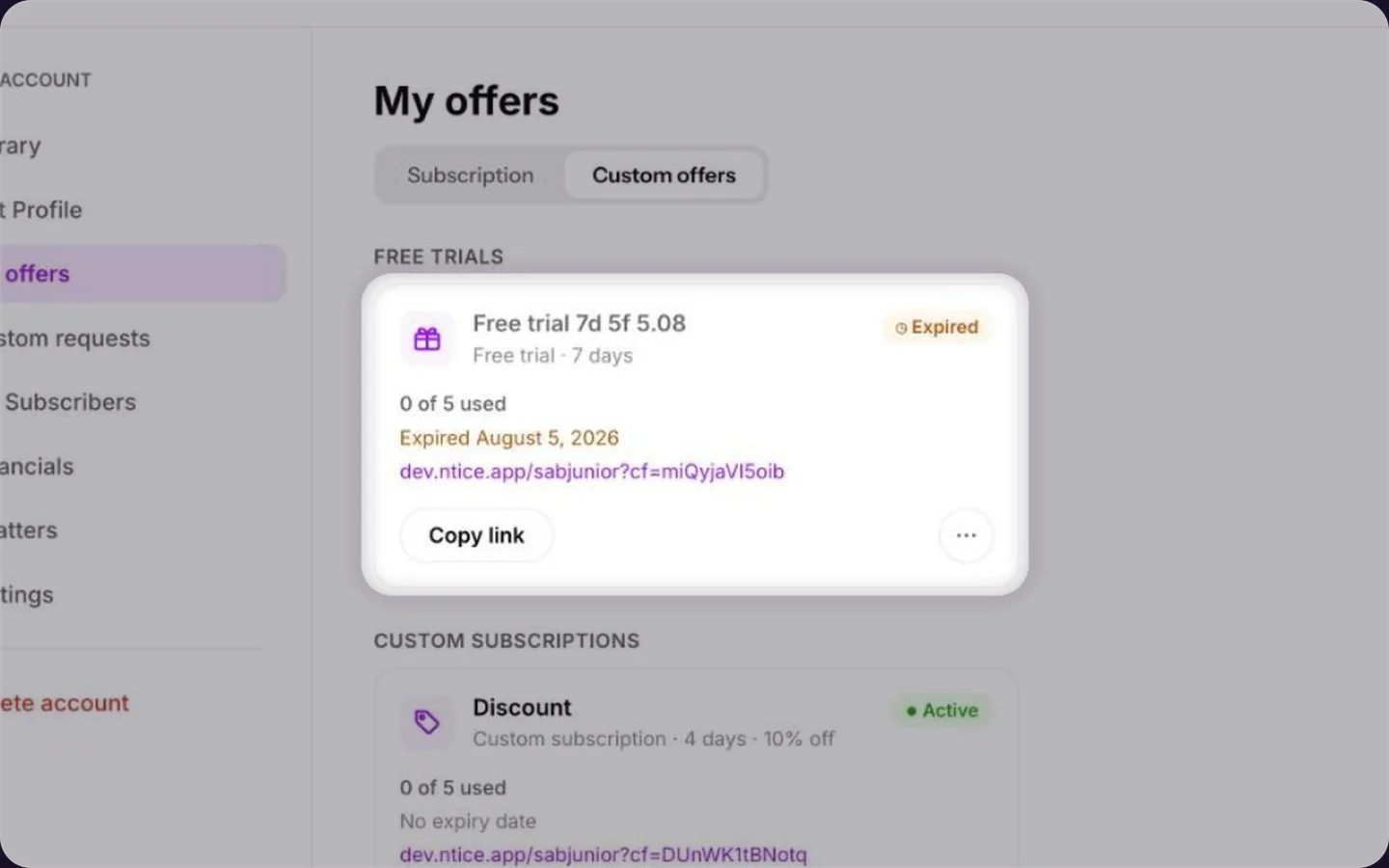
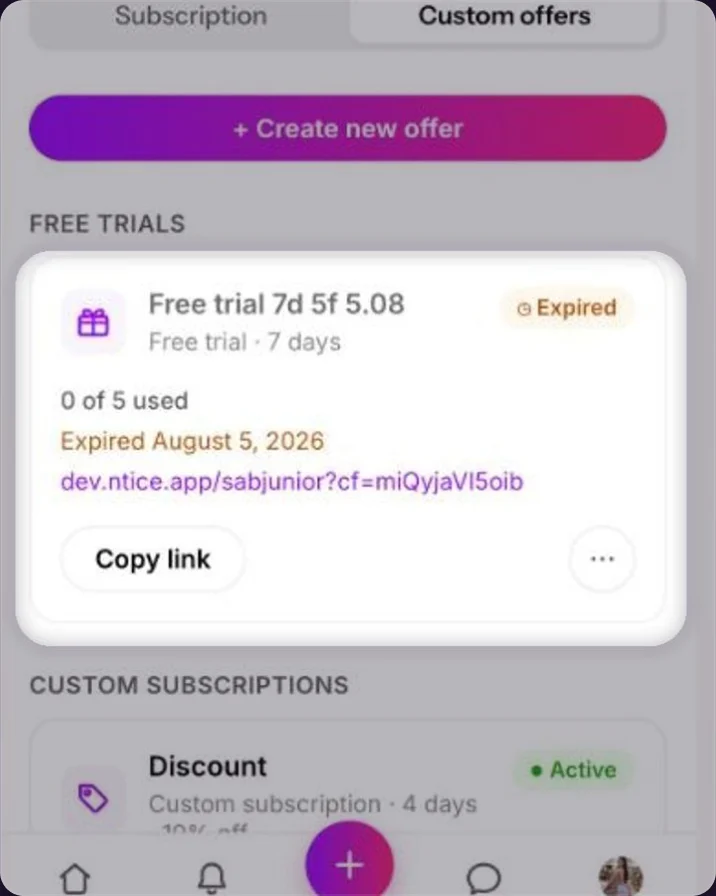
On the offer, click ••• and choose Deactivate. The link stops working until you turn it back on.On the offer, tap ••• and choose Deactivate. The link stops working until you turn it back on.
To turn it back on, open the same ••• menu and choose Activate.
Delete an offer
1 step
Click DeleteTap Delete
On the offer, click ••• and choose Delete. The link stops working for good.On the offer, tap ••• and choose Delete. The link stops working for good.
Fans who already used the offer keep what they got: their trial, discount or media.
Expired offers
An offer with an expiry date stops by itself. It stays in your list with an Expired label, so you can see how many fans used it.
Common questions
Yes. Click ••• and choose Edit.Yes. Tap ••• and choose Edit.
Pause it if you might use it again, like a weekend free trial. Delete it when you’re done with it.
Keep reading
 Custom offers: trial links, custom subscriptions and media bundlesGrowth & promotion
 Referral linksCreator Playbook
 Getting your first subscribers