Unlocking Premium content
Premium posts are photos and sets a creator sells one by one, often her hottest content. A subscription doesn’t include them. You pay once and keep it.

How to unlock
2 steps
- 1
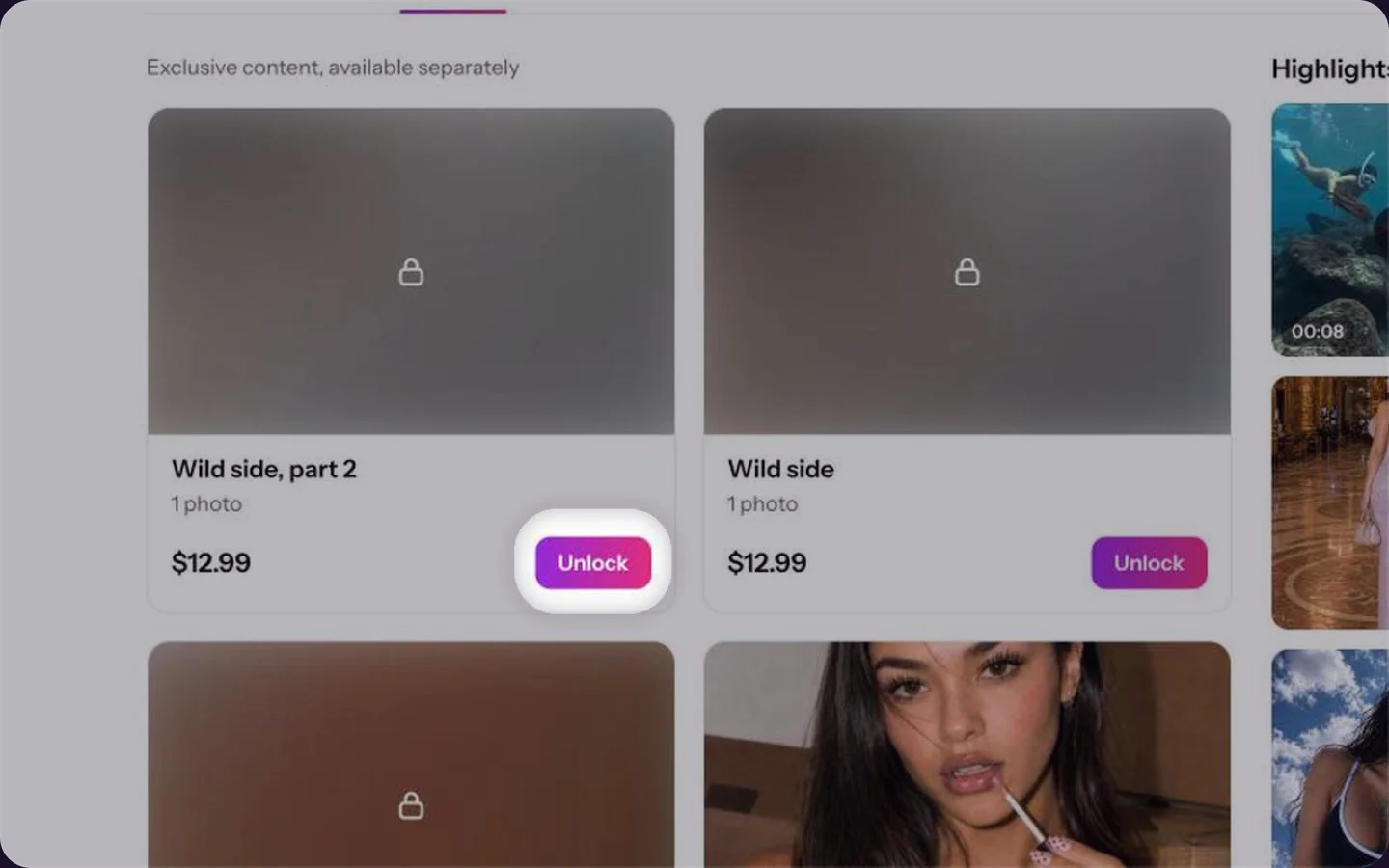
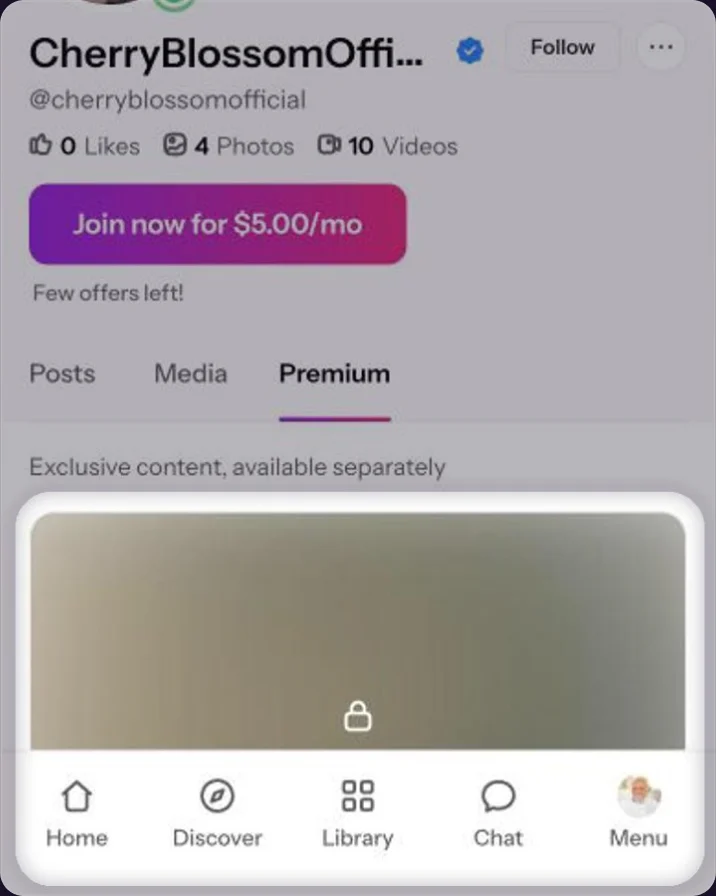
Open her Premium tab
On her profile, click Premium. Every item shows its title and price. Click Unlock on the one you want.On her profile, tap Premium. Every item shows its title and price. Tap Unlock on the one you want.
Check the total and pay
The Get access window shows the total with VAT and the processing fee. Check the card, then click Unlock for $….Check the total and the card, then tap Unlock for $….
Premium posts can also show up in her feed, blurred with a lock. Click Unlock photo to buy it right there.
After you unlock
The post opens and is saved in your Library, so you can find it again any time. See Your Library: where unlocked content lives.
Common questions
VAT and a processing fee are added at checkout. See Why checkout shows a higher total.
No. Close the window with the ×. Nothing is charged until you click Unlock for $….No. Close the window with the ×. Nothing is charged until you tap Unlock for $….
Yes. What you unlock is yours and stays in your Library.
Keep reading
 Your Library: where unlocked content livesGetting started
 Follow, subscribe or unlock: what’s the difference?Payments
 Free trials: why we ask for a card