Searching your chats
Looking for a chat or something she said? You can search your chat list by name, or search inside one chat.


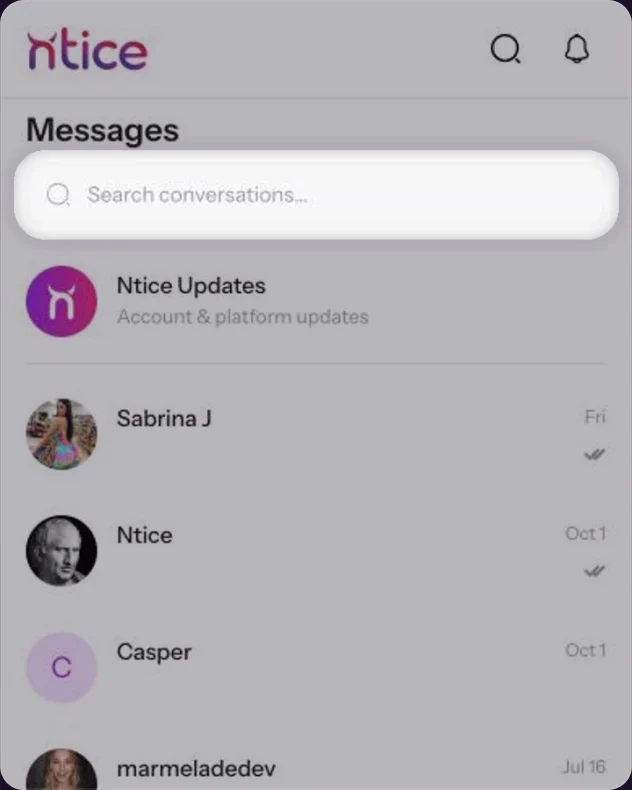
Find a chat
1 step
Search by name
At the top of your chat list, type a name in Search conversations. Click × to clear it.At the top of your chats, type a name in Search conversations. Tap × to clear it.

Search inside a chat
2 steps
- 1
Open Search in conversation
In the chat, click ••• at the top right, then Search in conversation.In the chat, tap ••• at the top right, then Search in conversation.


Type a word
Type what you’re looking for. The count shows how many messages match. Use the arrows to jump between them and × to close.Type a word. Use the arrows to jump between matches and × to close.


Common questions
Search conversations finds chats by name. To find a word, open the chat and use Search in conversation.
Keep reading
 Chat basics: messages, photos, videos and repliesChat
 Reactions, copying and deleting messagesChat
 What the check marks mean