Chat basics: messages, photos, videos and replies
Chat is where fans and creators really talk, and where creators send their hottest content. Here’s how to use it.


Send a message
2 steps
- 1
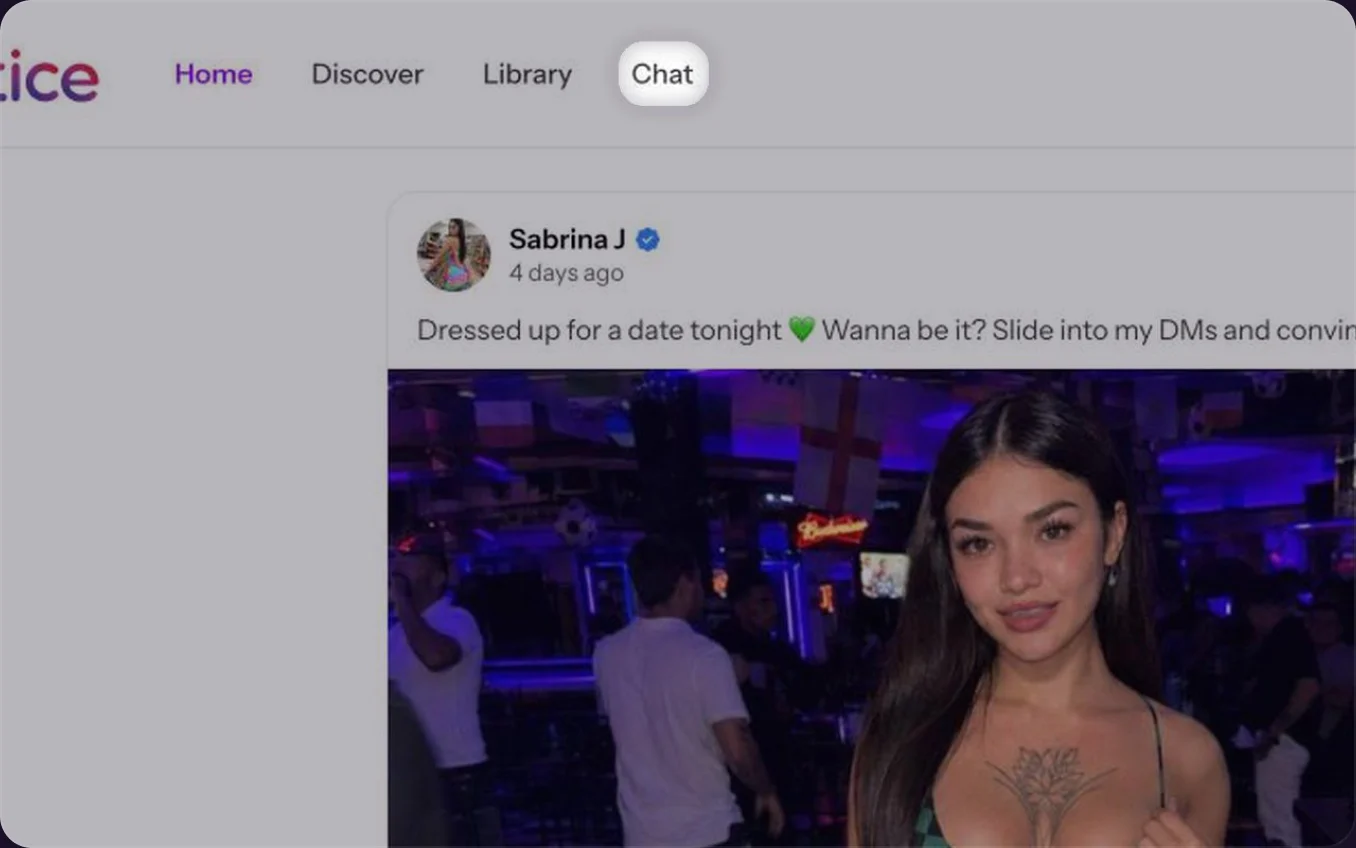
Open a chat
Click Chat at the top, then click a conversation in the list.Tap Chat at the bottom, then tap a conversation.

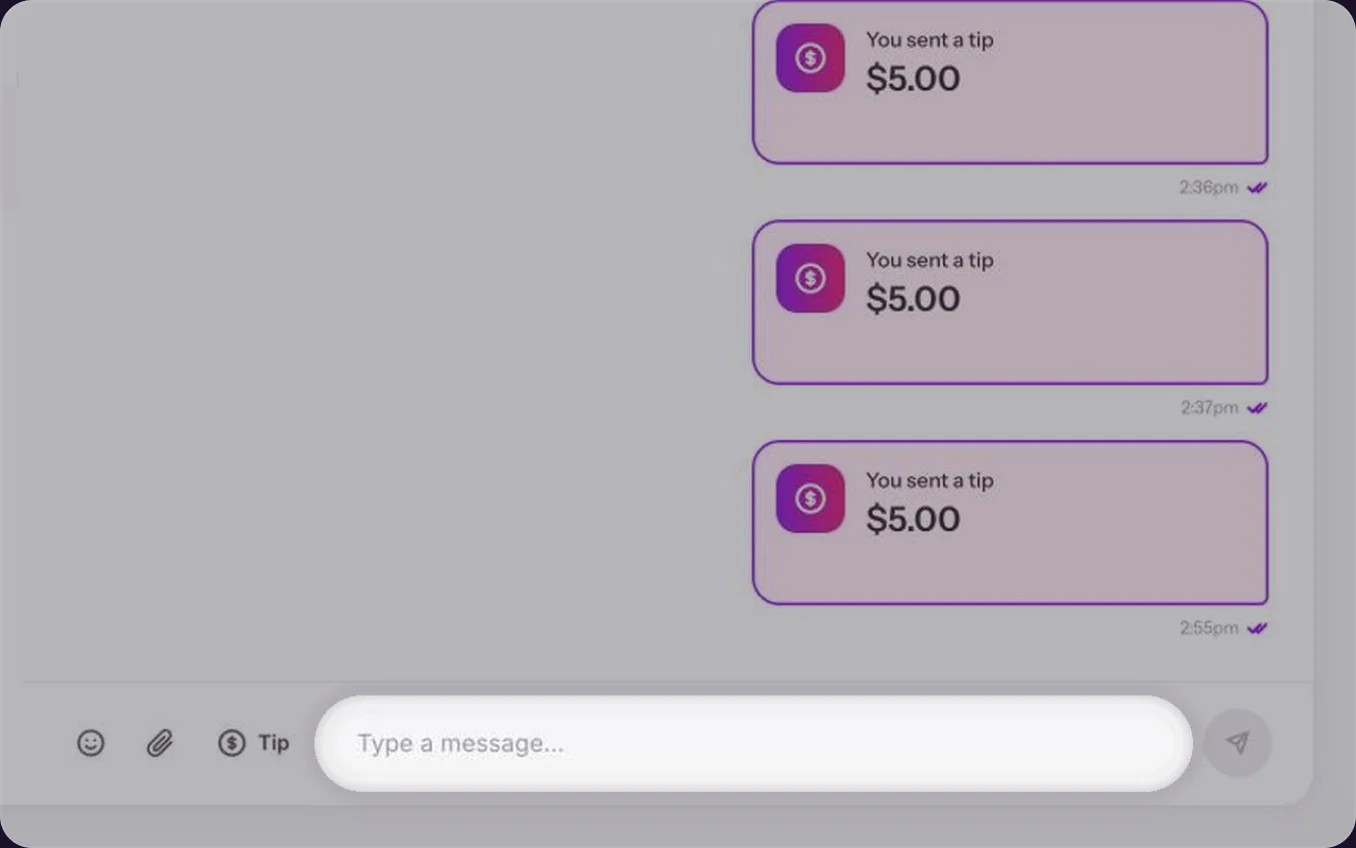
Write and send
Type in the message bar and press Enter to send. Press Shift+Enter for a new line. Click the smiley for emoji, or the paperclip to add photos or videos.Type your message and tap the send arrow. Tap the smiley for emoji, or the paperclip to add photos or videos.

Reply to a message
Hover the message and click the arrow, or click ••• and choose Reply. Your answer shows the message you replied to. On a phone, tap the message first. See Reactions, copying and deleting messages.
Common questions
Yes. Click or tap the paperclip in the message bar.Yes. Tap or tap the paperclip in the message bar.
Yes, with the Tip button next to the message bar. See Sending a tip.