Contacting Ntice support
Stuck with your account, a payment or anything else? Our support team is a chat away, right inside Ntice.

Watch how · 15 sec

Watch how · 12 sec
Start a chat with support
2 steps
- 1
Open Support
Click your profile photo in the top right corner, then Support.Tap Menu at the bottom right, then Support.


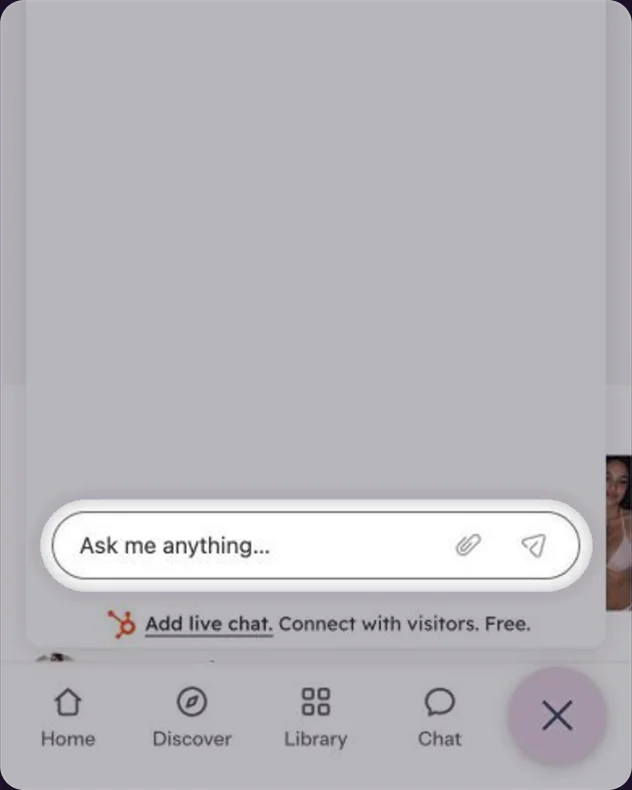
Write your question
The support chat opens. Type your question and send it. We usually reply within a few minutes. You can add a screenshot with the paperclip.Type your question and send it. We usually reply within a few minutes.

Looking for a quick answer? The Help Center, in the same menu, has guides for everything on Ntice.
Common questions
Usually within a few minutes.
Yes, but it’s faster to use Report on the post itself. See Reporting a post, profile or message.
Keep reading
Safety & rules Reporting a post, profile or messageGetting started
 What is Ntice?Safety & rules
 What happens after you report
Reporting a post, profile or messageGetting startedWhat is Ntice?Safety & rulesWhat happens after you reportWas this helpful?Thanks!