Referral links
Referral links are links you share to bring new people to Ntice — for example creators you invite to join. You can create up to 20 links and choose where each one sends people.

How to create a referral link
6 steps
- 1
Open your profile menu
Click your profile photo in the top right corner.Tap Menu at the bottom right.
- 2
Go to Settings
In the menu, click Settings.Tap Settings.
- 3
Open the Referrals tab
At the top of Settings, click Referrals.At the top of Settings, tap Referrals.
- 4
Create a new link
On the right, click Create link.At the top right, tap Create.
- 5
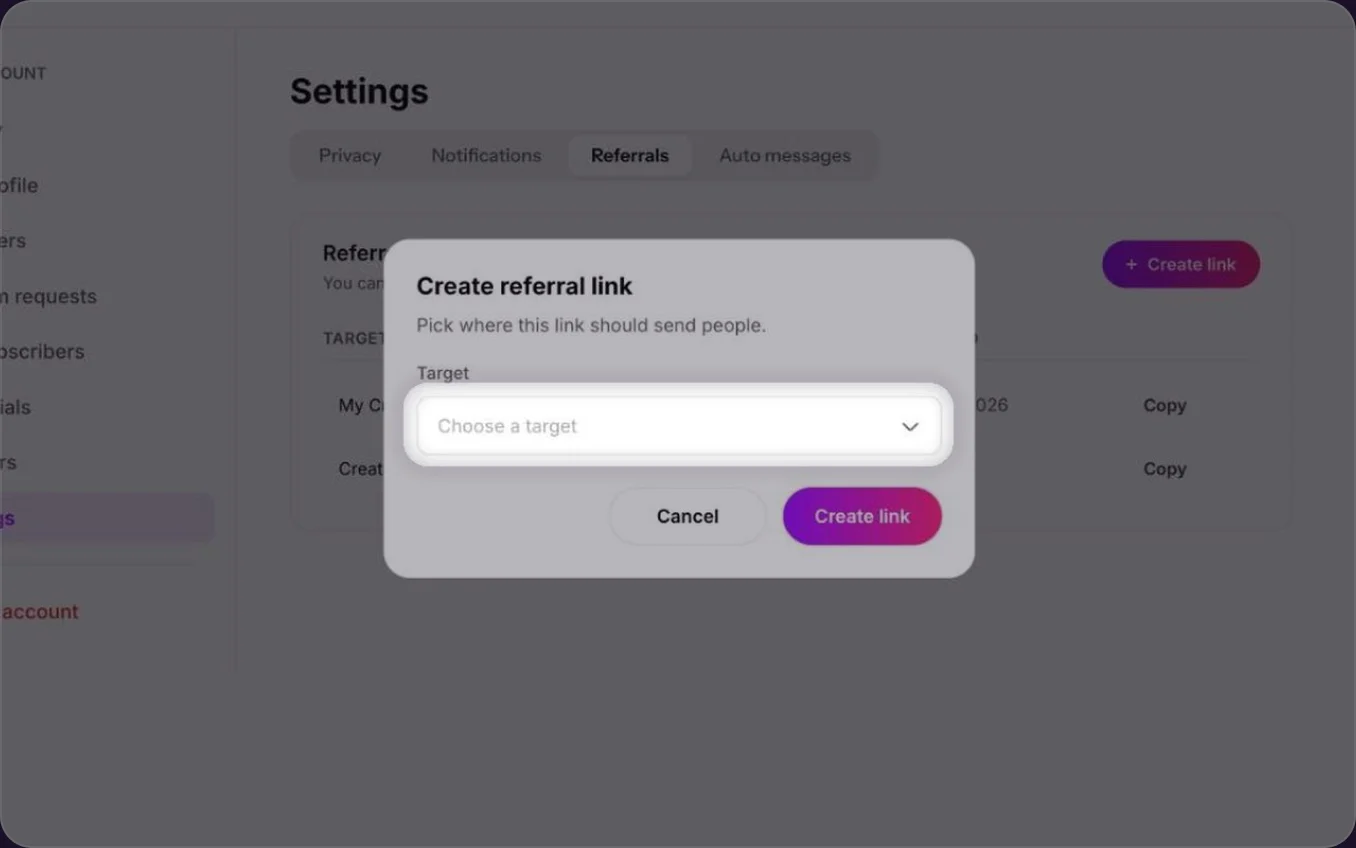
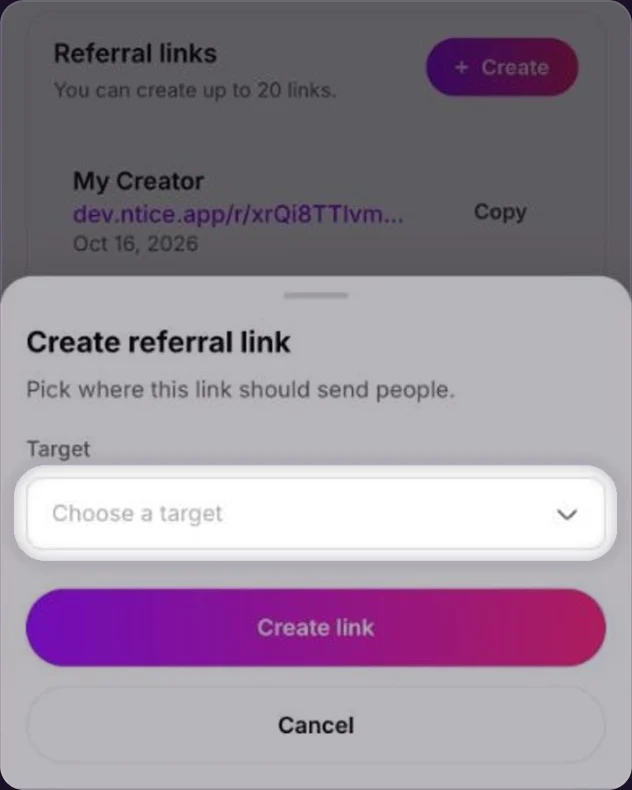
Choose a target
Pick where the link should send people, then click Create link.Pick where the link should send people, then tap Create link.
Copy and share your link
Click Copy next to your link and share it on your socials or with other creators.Tap Copy next to your link and share it on your socials or with other creators.
Tips for sharing
- One link per place. Create a separate link for each platform you share on, so you know which one brings people in.
- Put it where people look. Add your link to your Instagram, TikTok or X bio, not just a single post.
- Tell creators why you like Ntice. A short personal note next to your link works better than the link alone.
Common questions
Up to 20.
No. Your profile link (ntice.app/yourhandle) is in Edit Profile. Referral links are separate links you create in Settings › Referrals.
Yes. All your links are listed in Settings › Referrals, with the target and the date you created them.
Keep reading
 Changing your handleCreator Playbook
 Getting your first subscribersGrowth & promotion
 Custom offers: trial links, custom subscriptions and media bundles