Sending a paid message (PPV)
A paid message (PPV) is a locked photo or video you send in a chat. The fan sees a blurred preview and pays your price to unlock it. This is where most creators make their money: nudes, explicit sets and custom videos sold one to one.

How to send a paid message
4 steps
- 1
Open the chat
Click Chat at the top, then click the fan.Tap Chat at the bottom, then tap the fan.
- 2
Click PPVTap PPV
In the message bar at the bottom, click PPV.In the message bar, tap PPV.
- 3
Pick your photos or videos
Choose media from your Library (switch between Images and Videos at the top), or click Upload to add something new. Click Add to message. A preview of the set opens: check it and click Add to message again.Choose media from your Library, or tap Upload to add something new. Tap Add to message, check the preview, then tap Add to message again.
Set your price and send
Type the amount. The button shows the price, like Send · $15.00. Click it to send. Leave the amount at 0 to send the media for free.Type the amount, then tap Send. Leave it at 0 to send the media for free.
See if he unlocked it
When the fan pays, the message shows “Unlocked” in green with the amount paid.
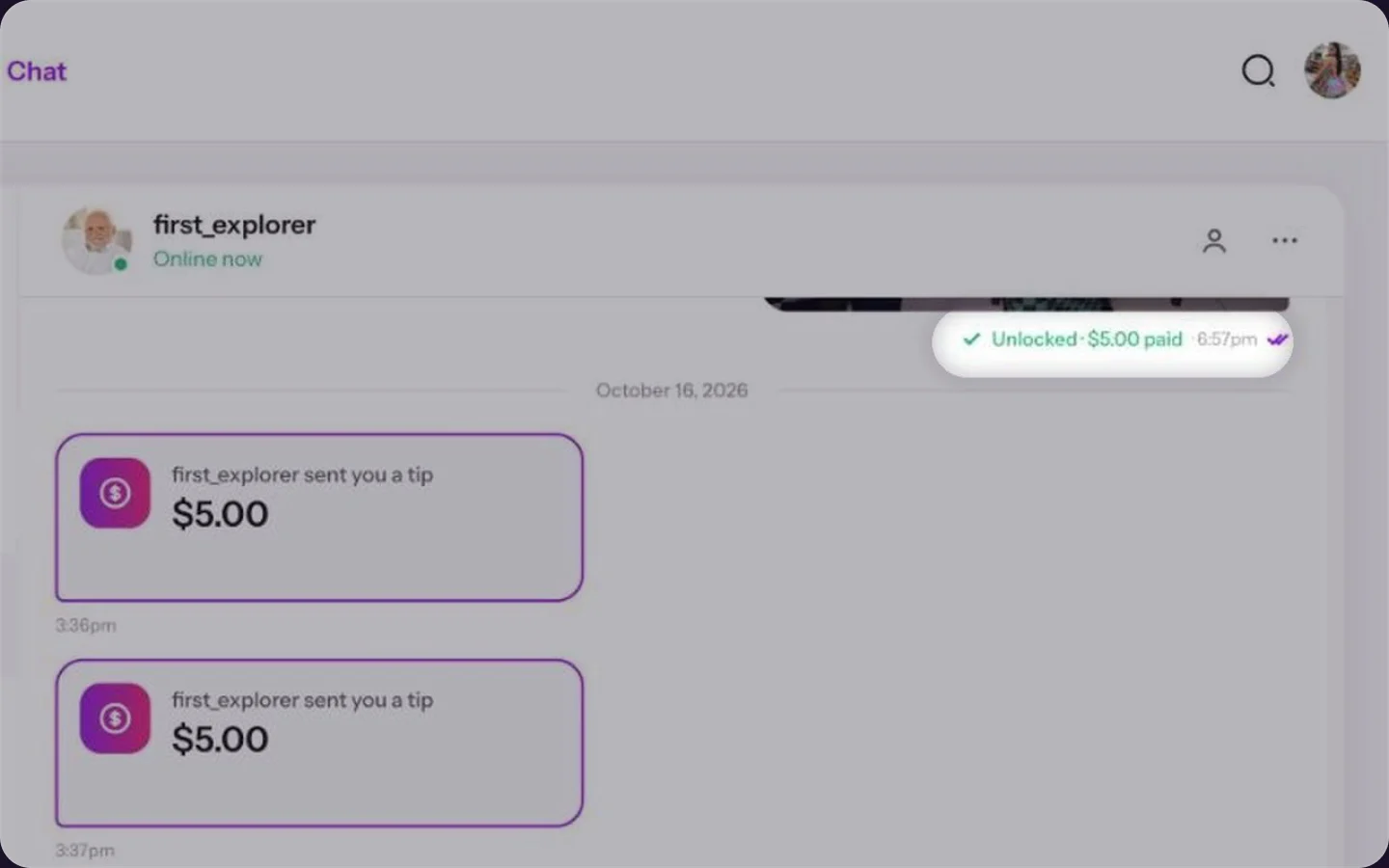
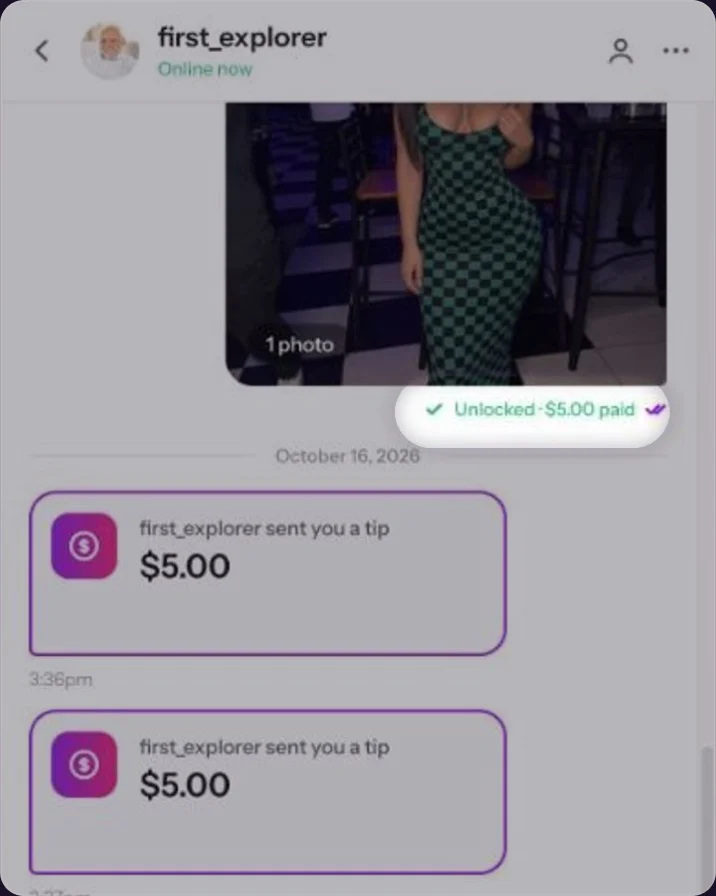
A paid message after the fan unlocked it.
- Chat first, sell second. Flirt, ask what he likes, tease with a free pic. Then send the PPV. See Selling in chat: PPV basics.
- Start with an easy yes. Make the first unlock cheap. Raise the price as the content gets more explicit: lingerie, then topless, then fully naked, then toys or sex videos.
- Name your sets. Clear titles in your Library make it fast to find the right set in the middle of a chat.
Common questions
Your price, plus VAT and a processing fee on top. The final amount is shown to the fan at checkout, so your share is based on your full price.
Yes. Leave the amount at 0 and the button changes to Send for free.
Yes. Select more than one before you click Add to message.Yes. Select more than one before you tap Add to message.
Keep reading
 Selling in chat: PPV basicsChat
 Who can start a chat?Chat & fans
 Auto messages for new subscribers