Deleting your account
You can delete your Ntice account yourself, at any time. It happens straight away and can’t be undone.
Before you delete
- Request a payout of your balance in Financials — you can’t cash out after deleting.
- Only need a break? Suspend your account instead. Your profile is hidden, and your content and earnings stay.


How to delete your account
5 steps
- 1
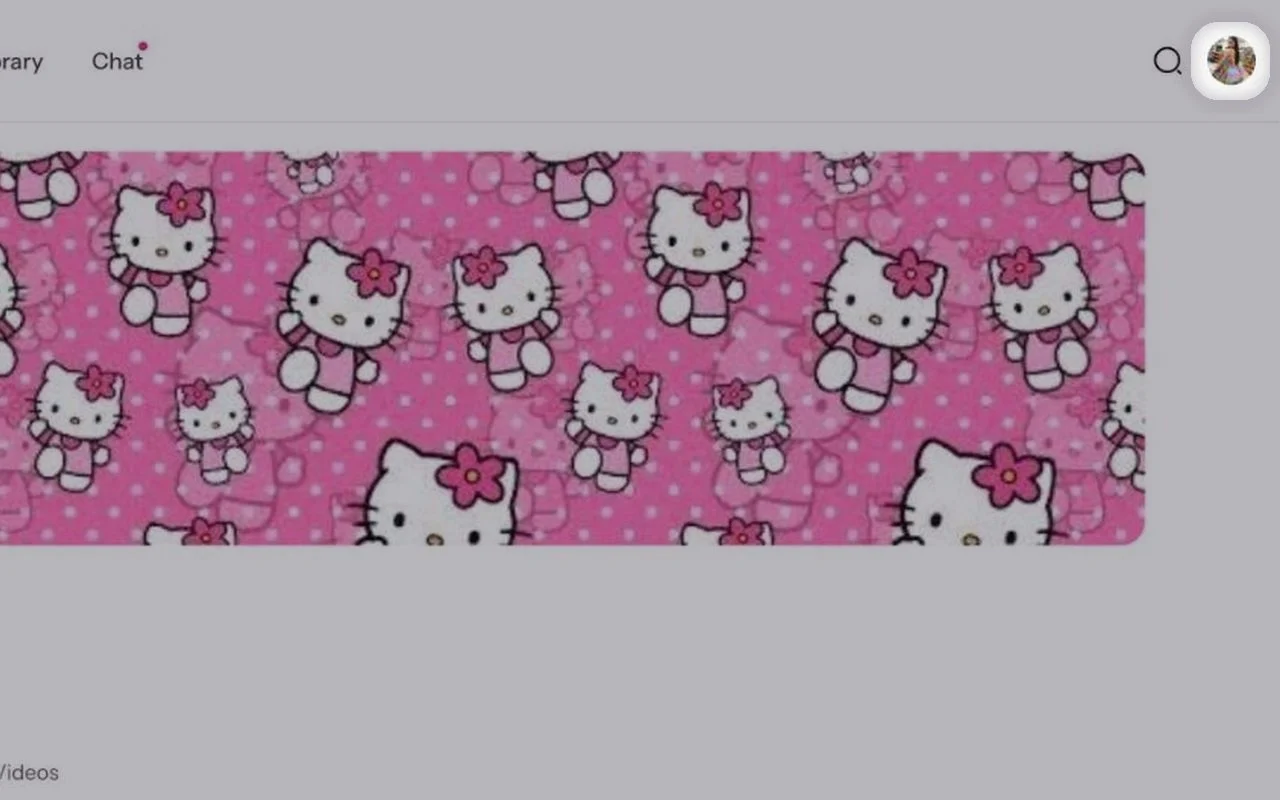
Open your profile menu
Click your profile photo in the top right corner.Tap Menu at the bottom right.

- 2
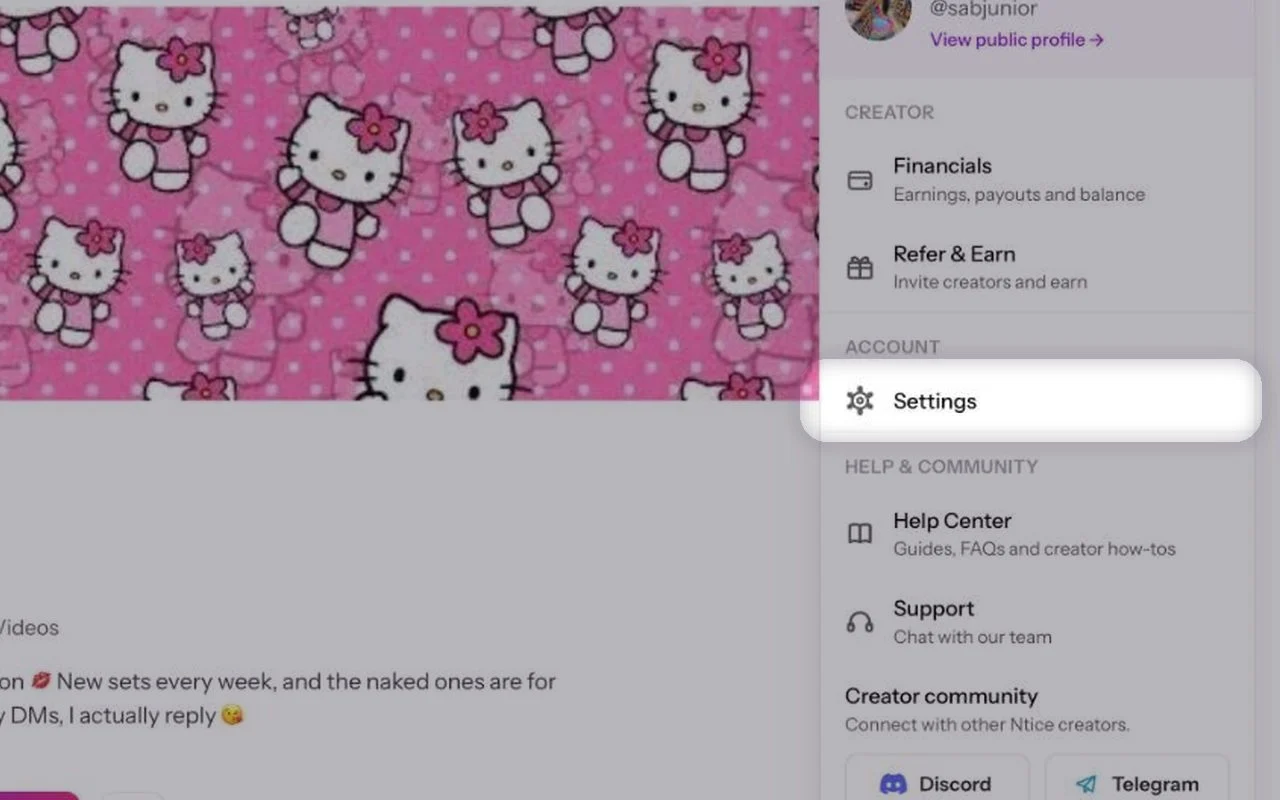
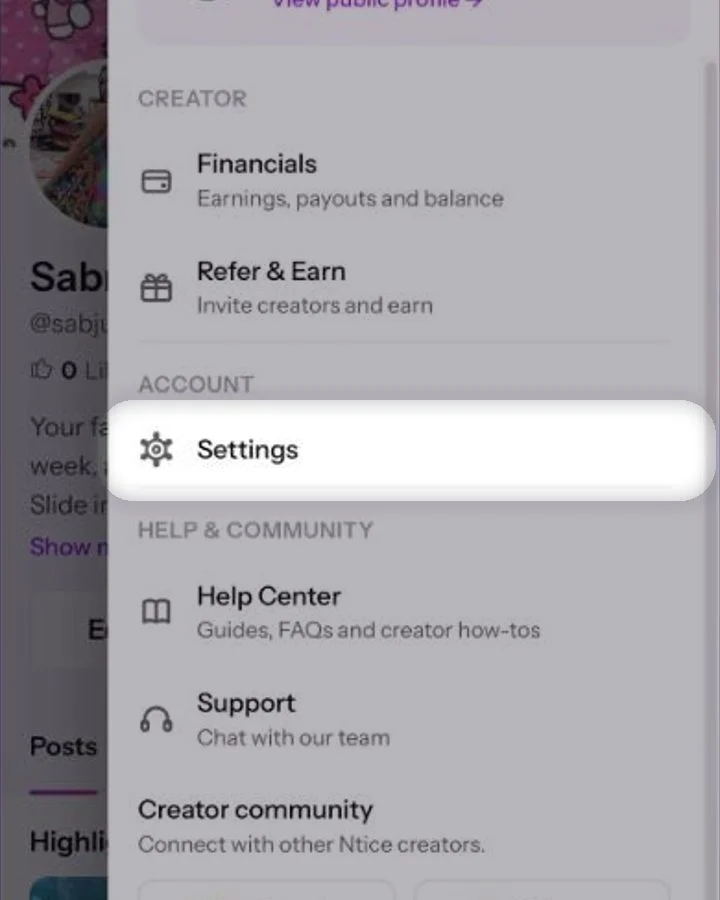
Go to Settings
In the menu, click Settings.Tap Settings.
- 3
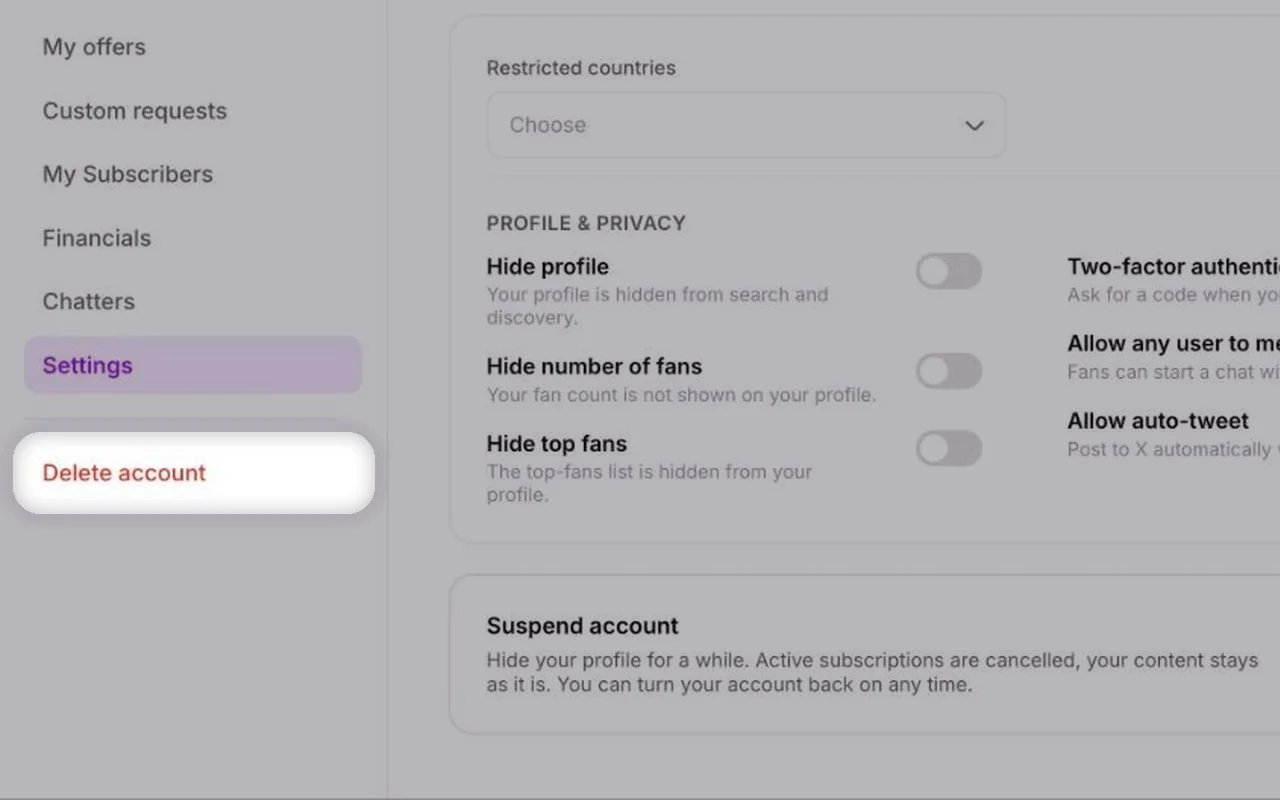
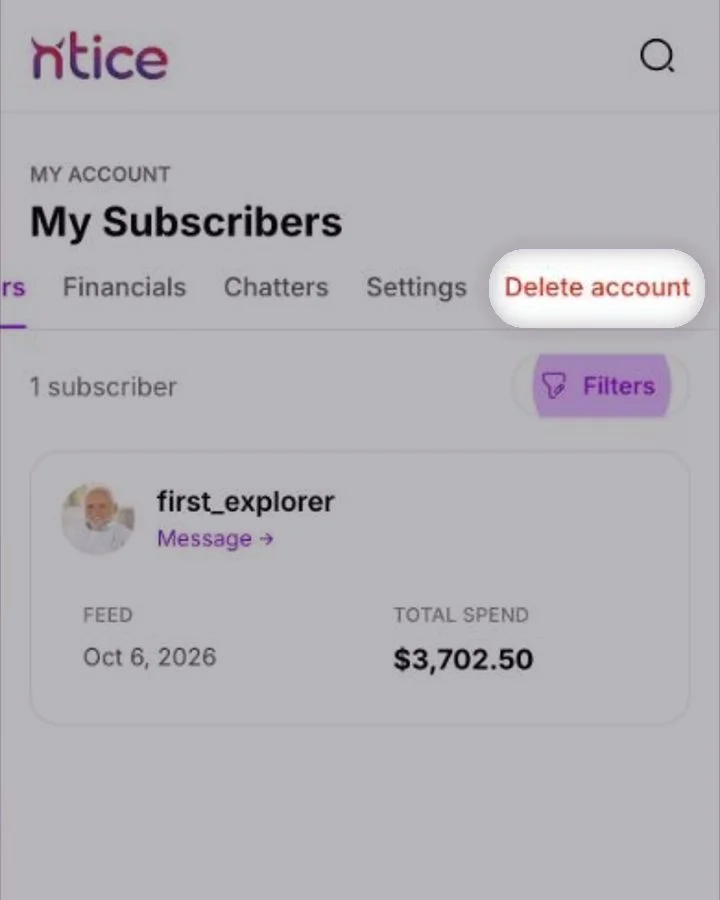
Open Delete account
In the menu on the left, click Delete account at the bottom.At the top, swipe the row to the end and tap Delete account.
- 4
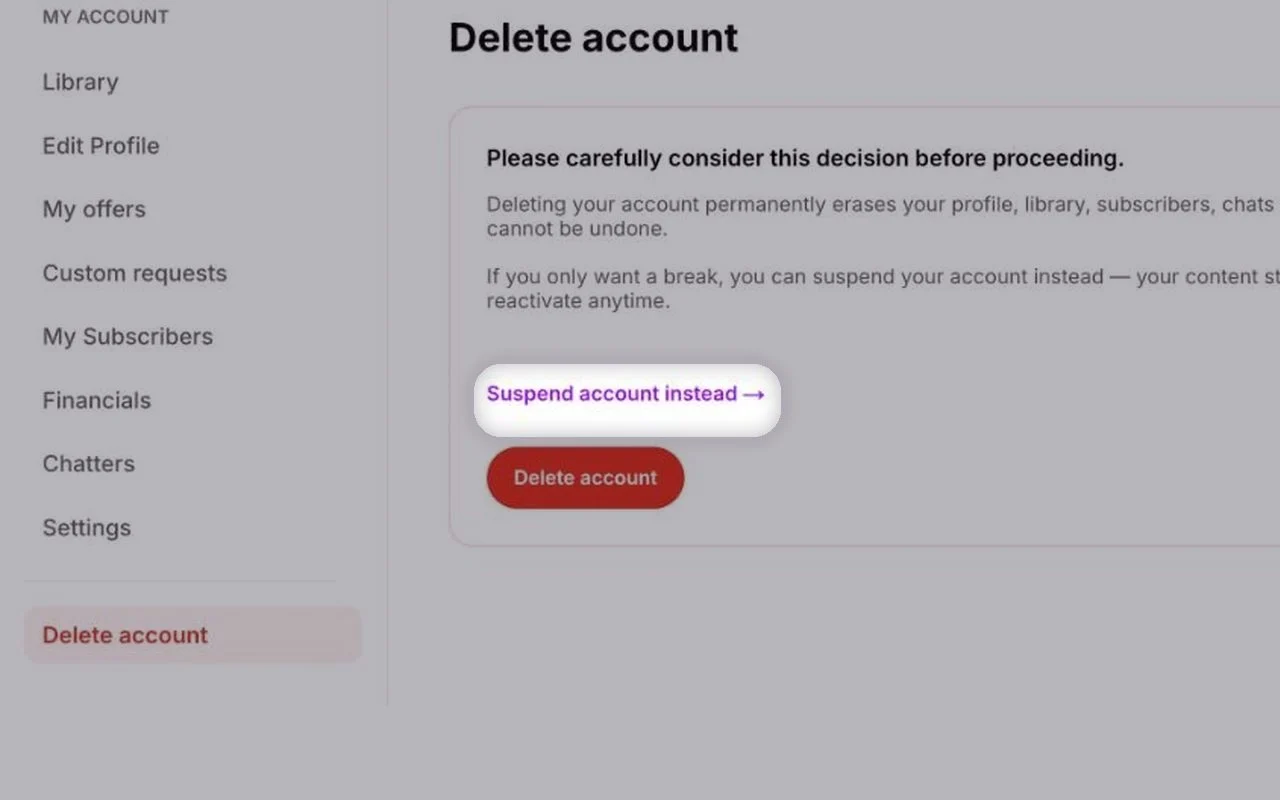
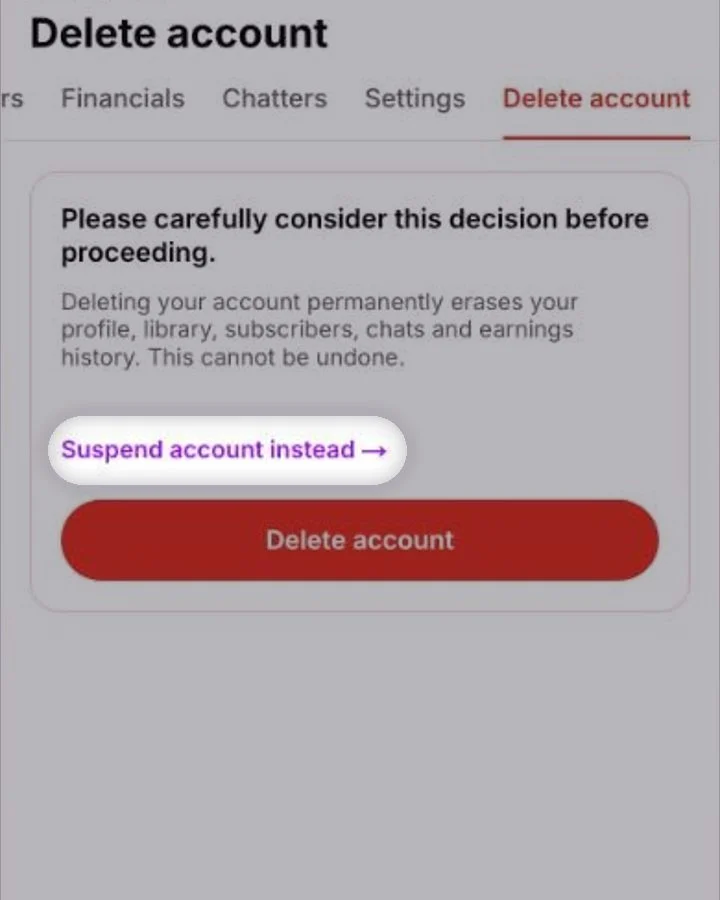
Think about suspending instead
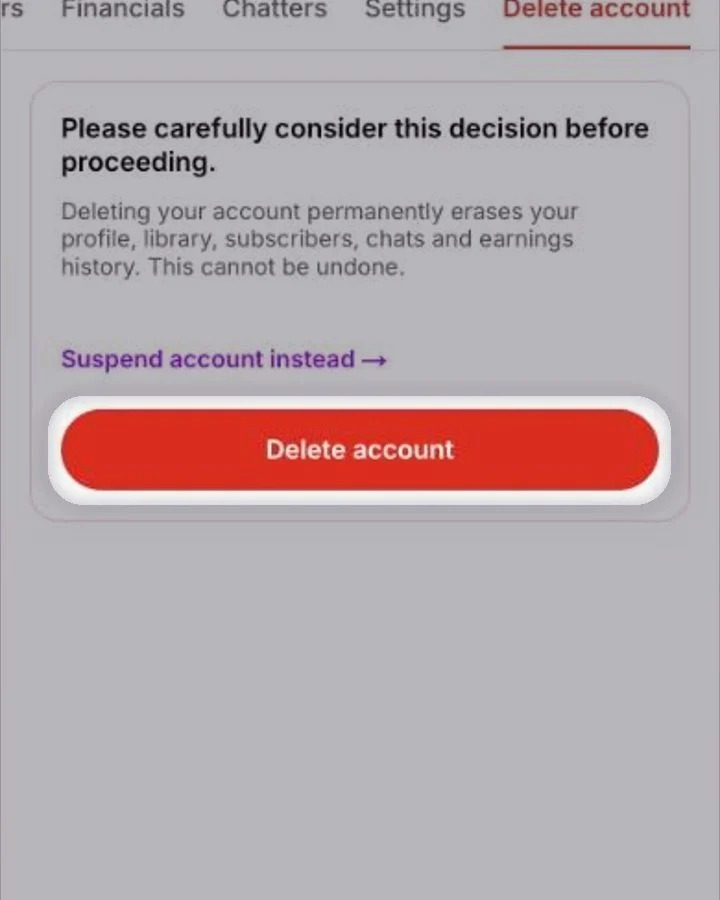
Just need a break? Click Suspend account instead. Your profile is hidden, but your content and earnings stay.Just need a break? Tap Suspend account instead. Your profile is hidden, but your content and earnings stay.
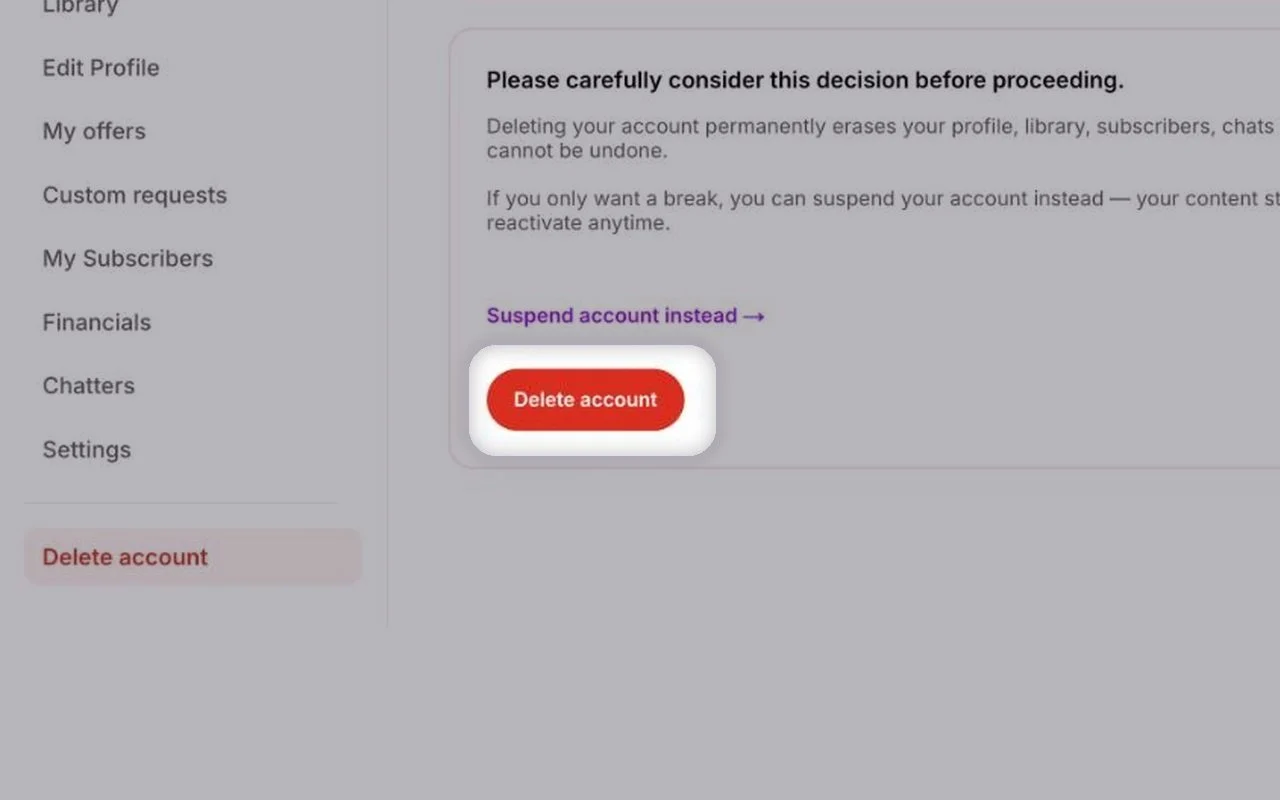
Delete your account
Still sure? Click Delete account and confirm. Your account is deleted straight away.Still sure? Tap Delete account and confirm. Your account is deleted straight away.
Common questions
No. Deleting is instant and permanent.
Suspending hides your profile and cancels active subscriptions, but keeps your content and earnings — you can come back any time. Deleting erases everything.
Keep reading
 Taking a break: suspend your accountAccount & profile
 Privacy settings for creatorsAccount & profile
 Editing your creator profile