Who can start a chat?
Two settings decide who can start a chat with you: one lets any fan message you, the other lets your subscribers message you.
- Allow any user to message you on — any fan can start a chat, even without subscribing.
- Only Messaging on — only active subscribers can start a chat.
- Both off — fans can’t start a chat with you.

Let any fan message you
4 steps
- 1
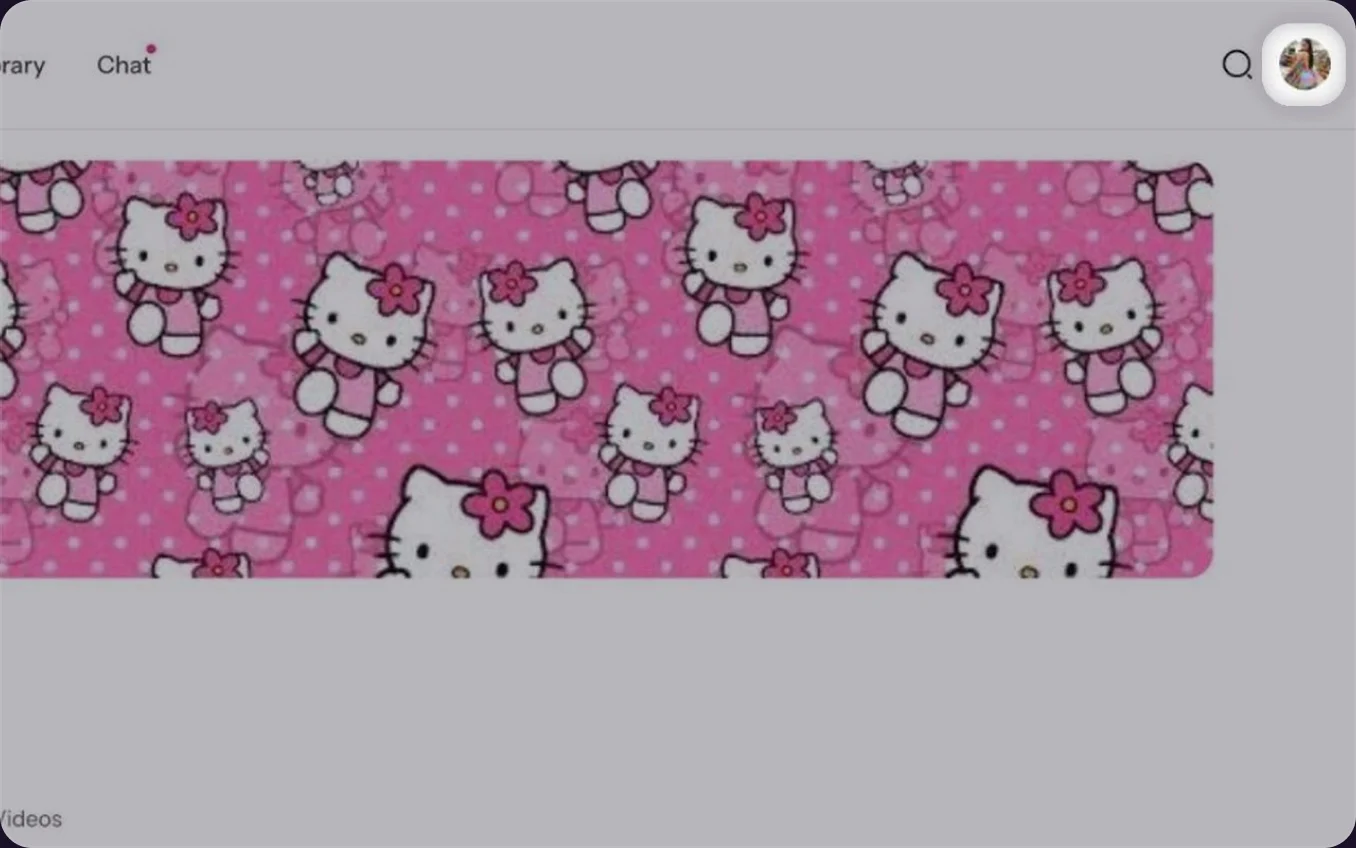
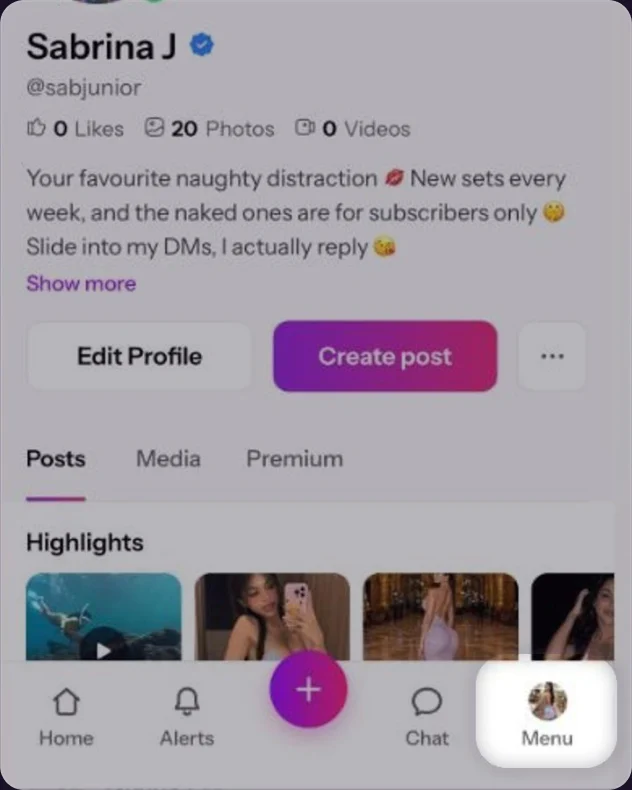
Open your profile menu
Click your profile photo in the top right corner.Tap Menu at the bottom right.
- 2
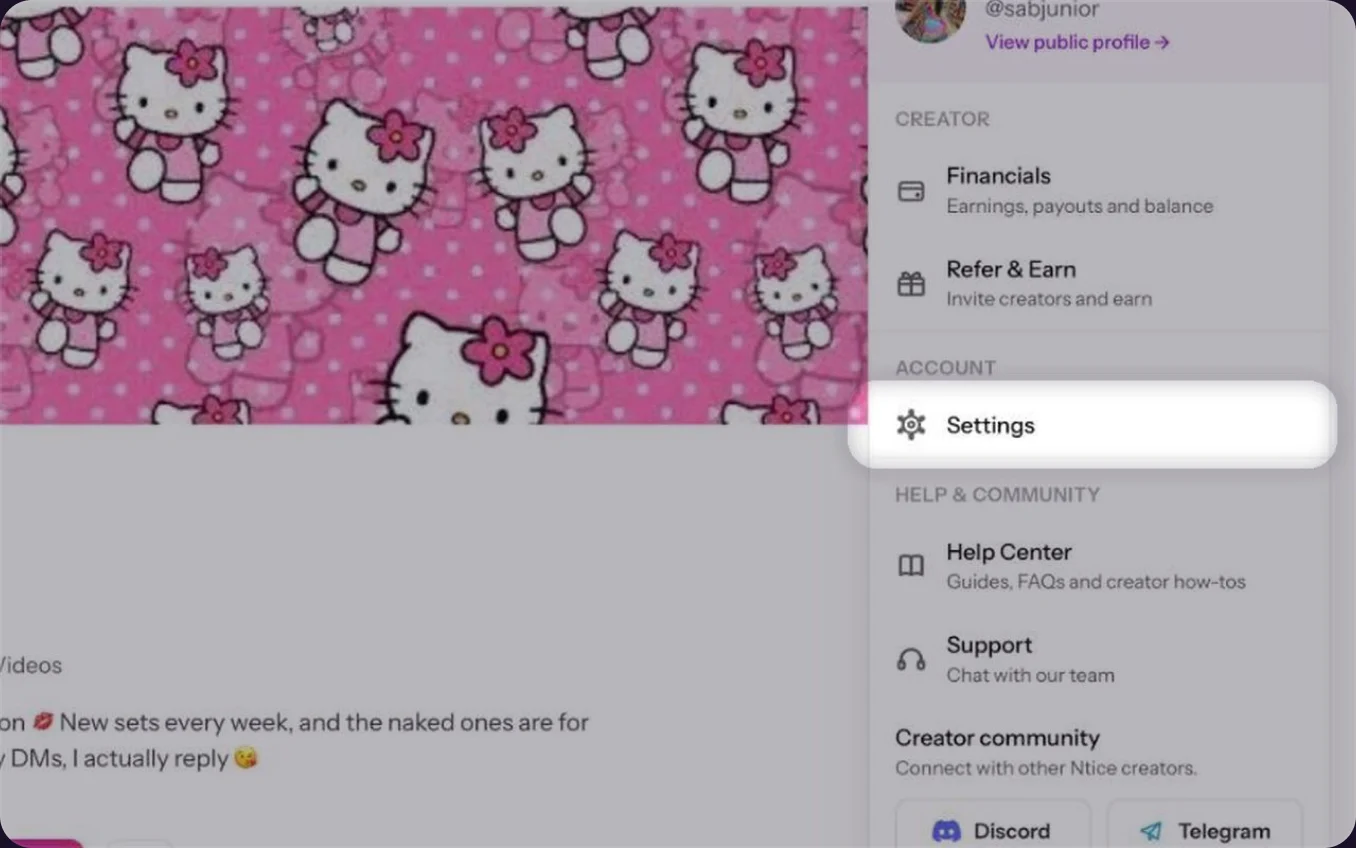
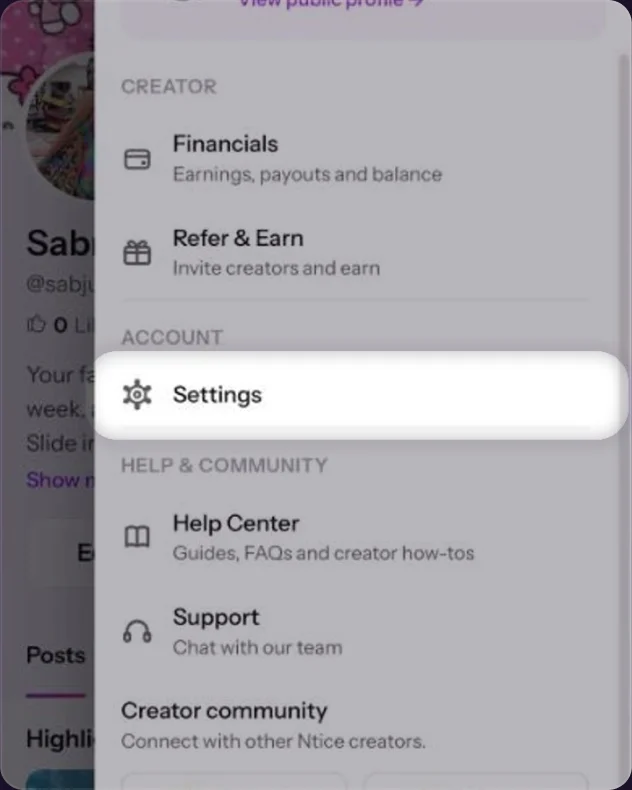
Go to Settings
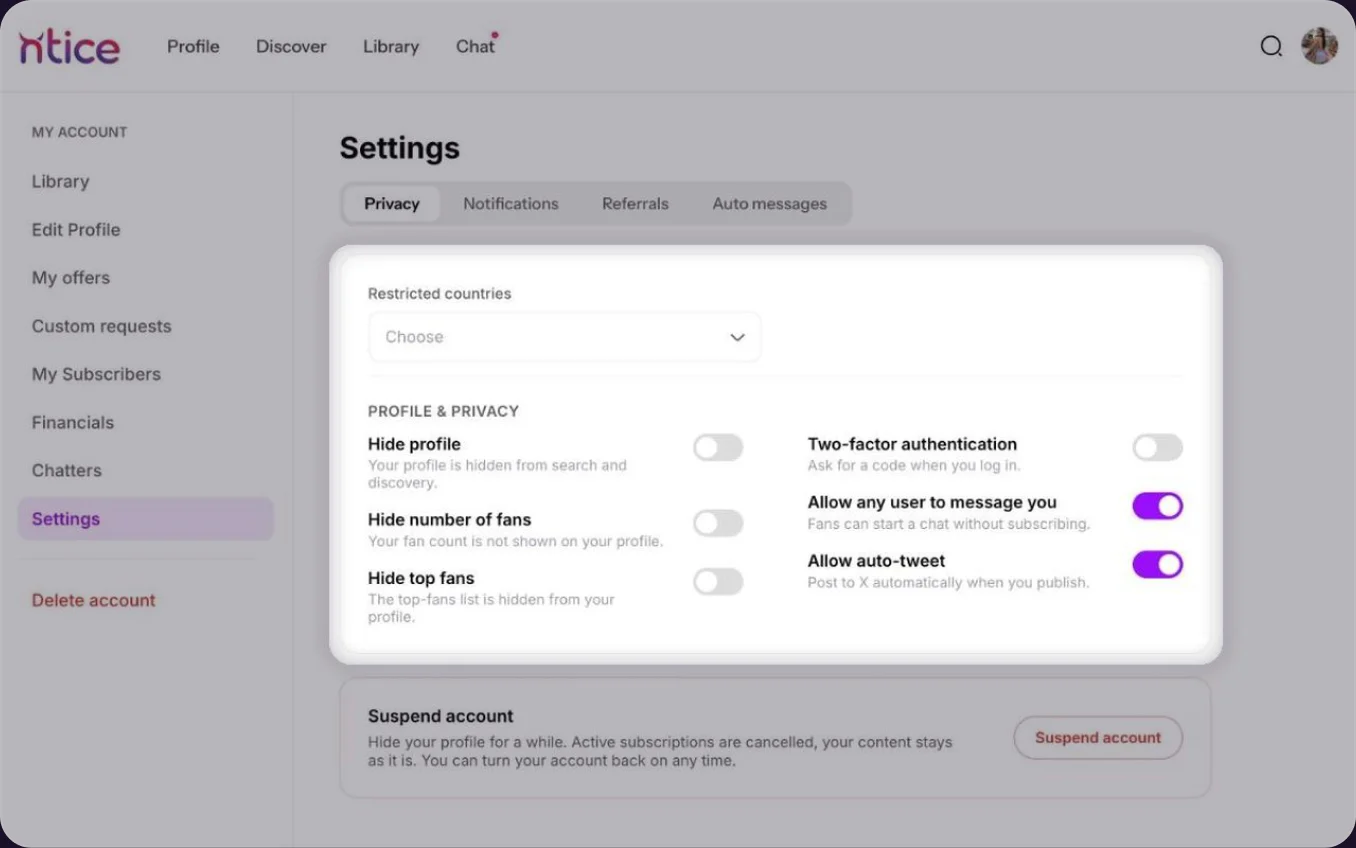
In the menu, click Settings. The Privacy tab opens first.Tap Settings. The Privacy tab opens first.
- 3
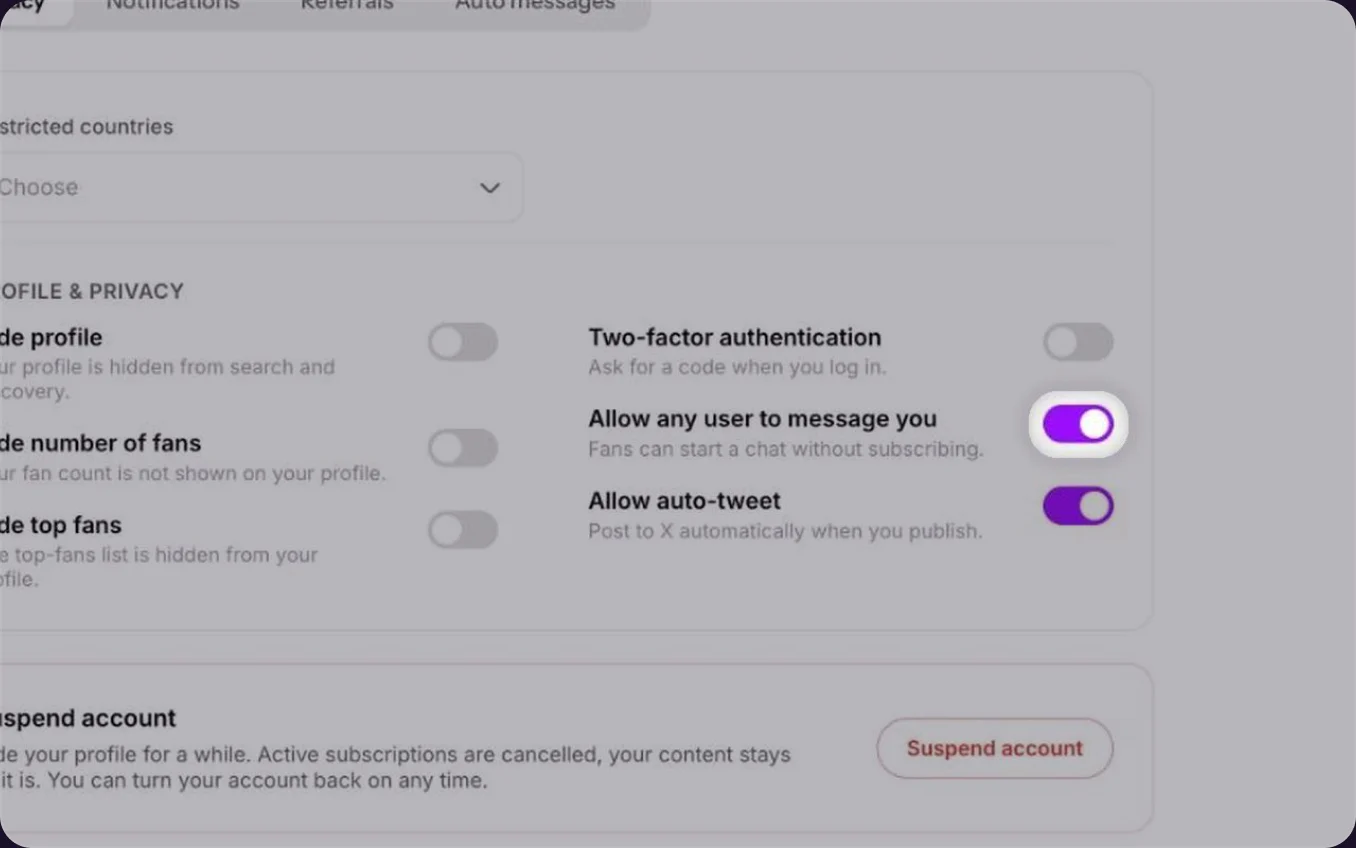
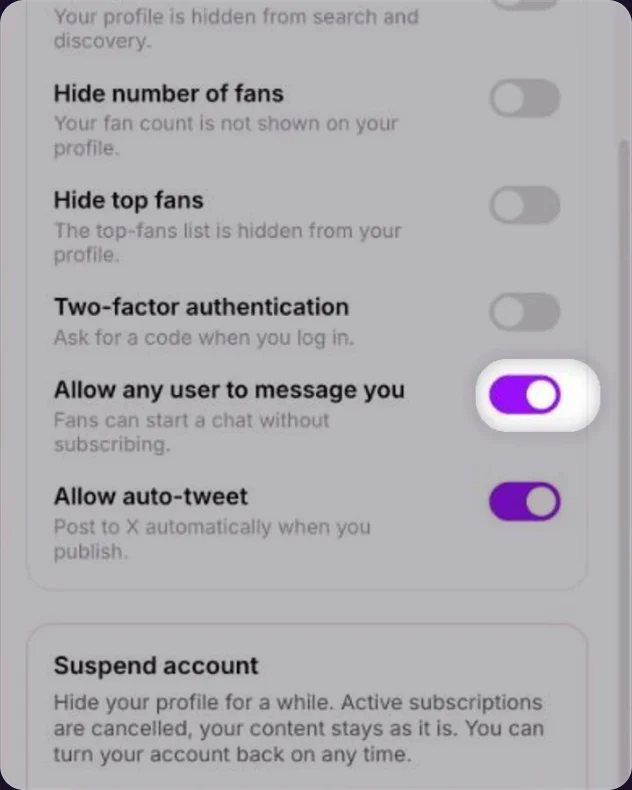
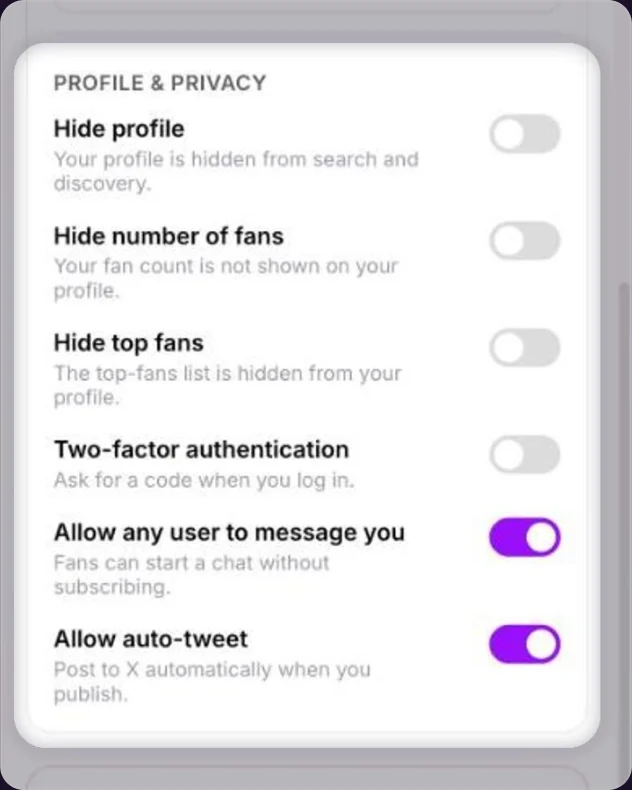
Turn on Allow any user to message you
Turn it on to let any fan start a chat, even without subscribing. Turn it off if only subscribers should be able to.
Changes save straight away
There’s no Save button on Privacy: each switch saves as soon as you click it.There’s no Save button on Privacy: each switch saves as soon as you tap it.
Let subscribers message you
3 steps
- 1
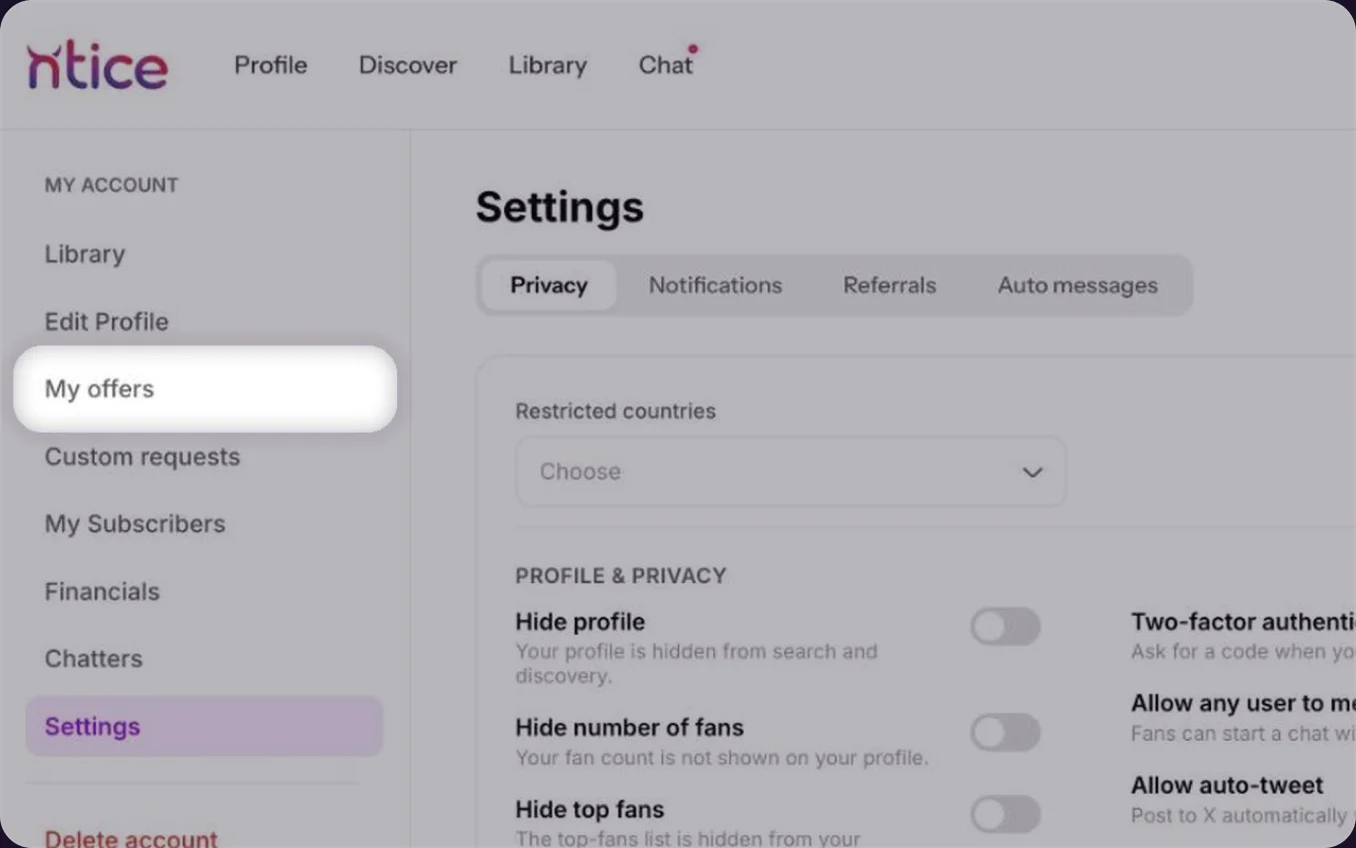
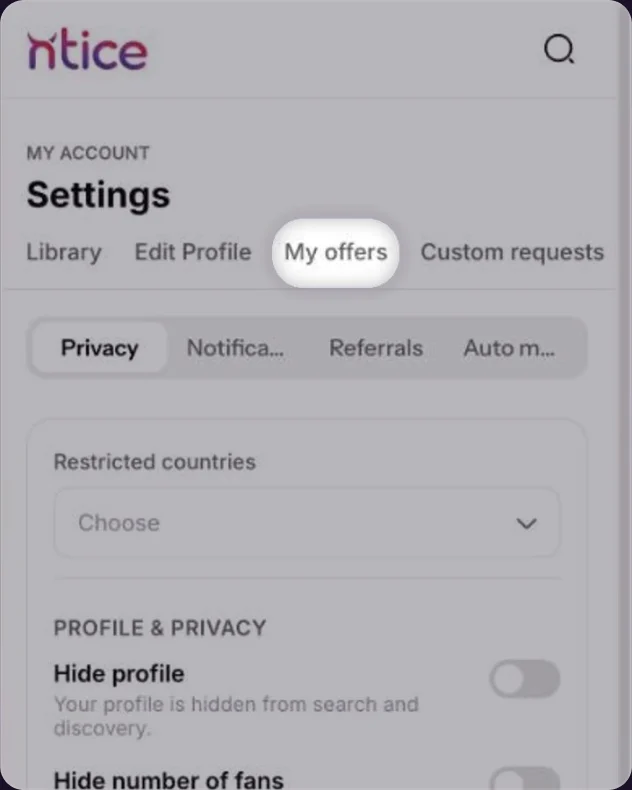
Open My offers
Click your profile photo, then Settings, then My offers in the menu on the left.Tap Menu, then Settings, then My offers at the top.
- 2
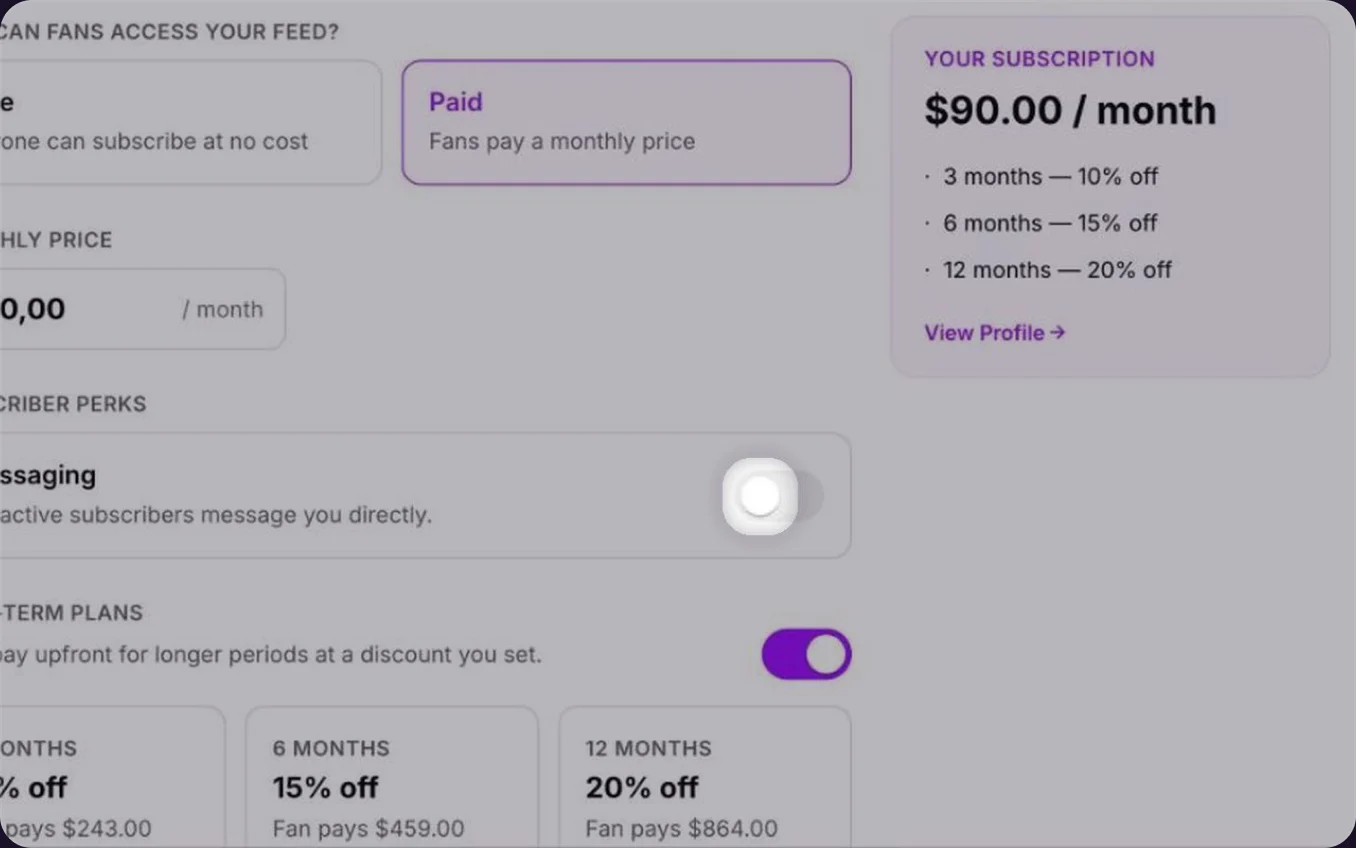
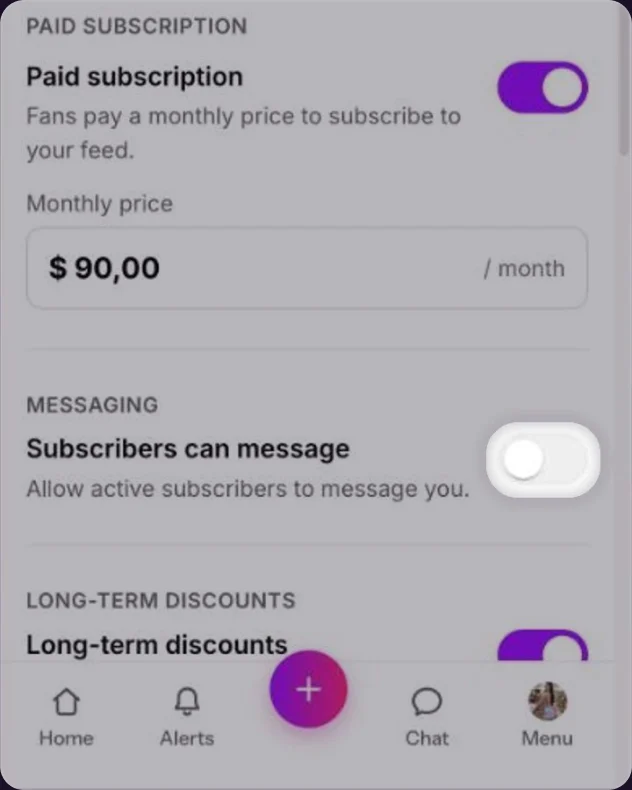
Turn on Messaging
Under Subscriber perks, turn on Messaging. Active subscribers can then message you directly.Turn on Subscribers can message. Active subscribers can then message you directly.
Save your changes
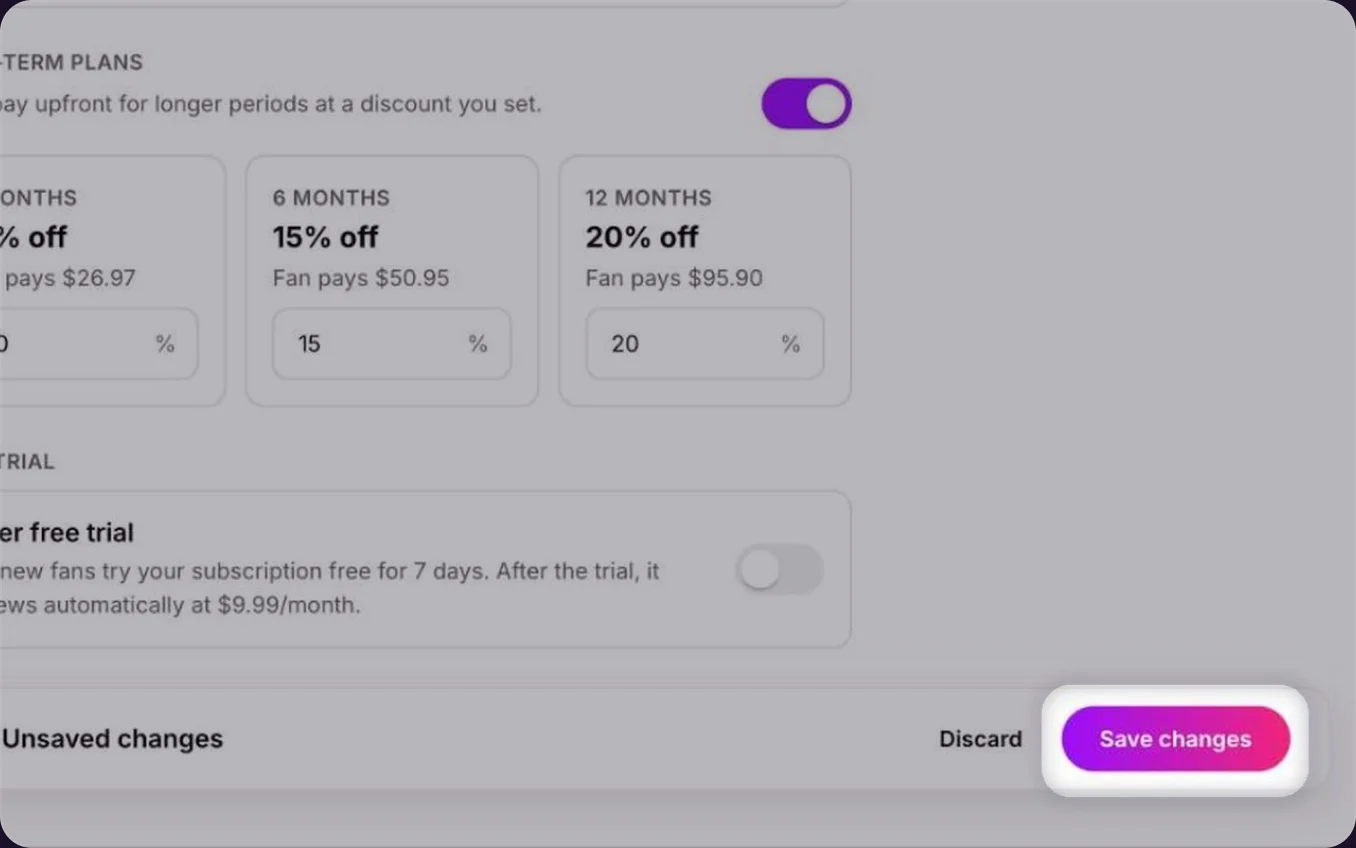
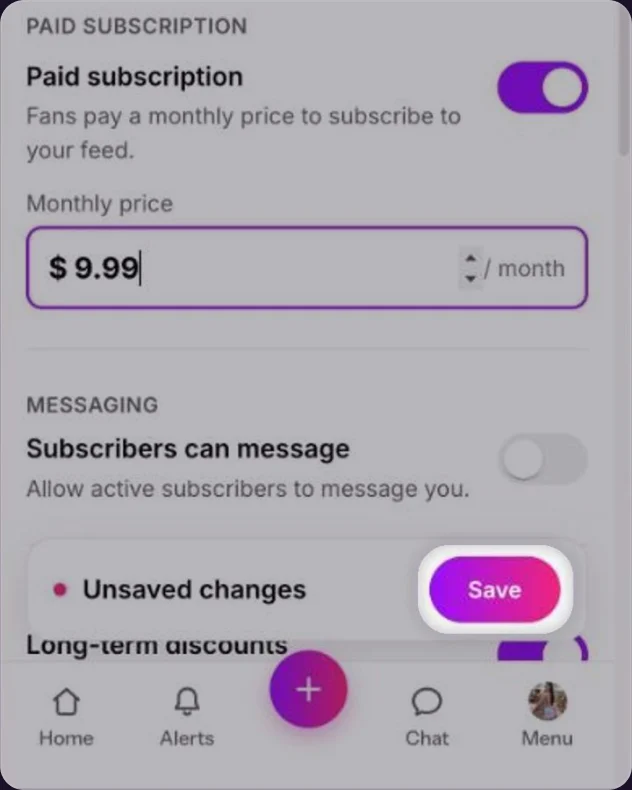
Click Save changes at the bottom.Tap Save at the bottom.
Common questions
The creator may only accept messages from subscribers. Subscribe to them, then try again.
If you want more chats and more sales, let any fan message you. If you get more messages than you can answer, keep chat for subscribers only.
Keep reading
 Auto messages for new subscribersCreator Playbook
 Selling in chat: PPV basicsAccount & profile
 Privacy settings for creators