Sending a tip
A tip is extra money you send a creator: to say thanks, to make her day, or to get her attention. You send it from your chat with her. Open Chat and pick her name first.

How to tip
2 steps
- 1
Click TipTap Tip
In the chat, click Tip next to the message bar.In the chat, tap Tip under the message bar.
Choose the amount and send
Type an amount or pick $5, $10, $20 or $50, up to $999. Add a message if you like, then click Send tip.Type an amount or pick $5, $10, $20 or $50, up to $999. Add a message if you like, then tap Send tip.
VAT and a processing fee are added on top, like every payment on Ntice. See Why checkout shows a higher total.
After you send
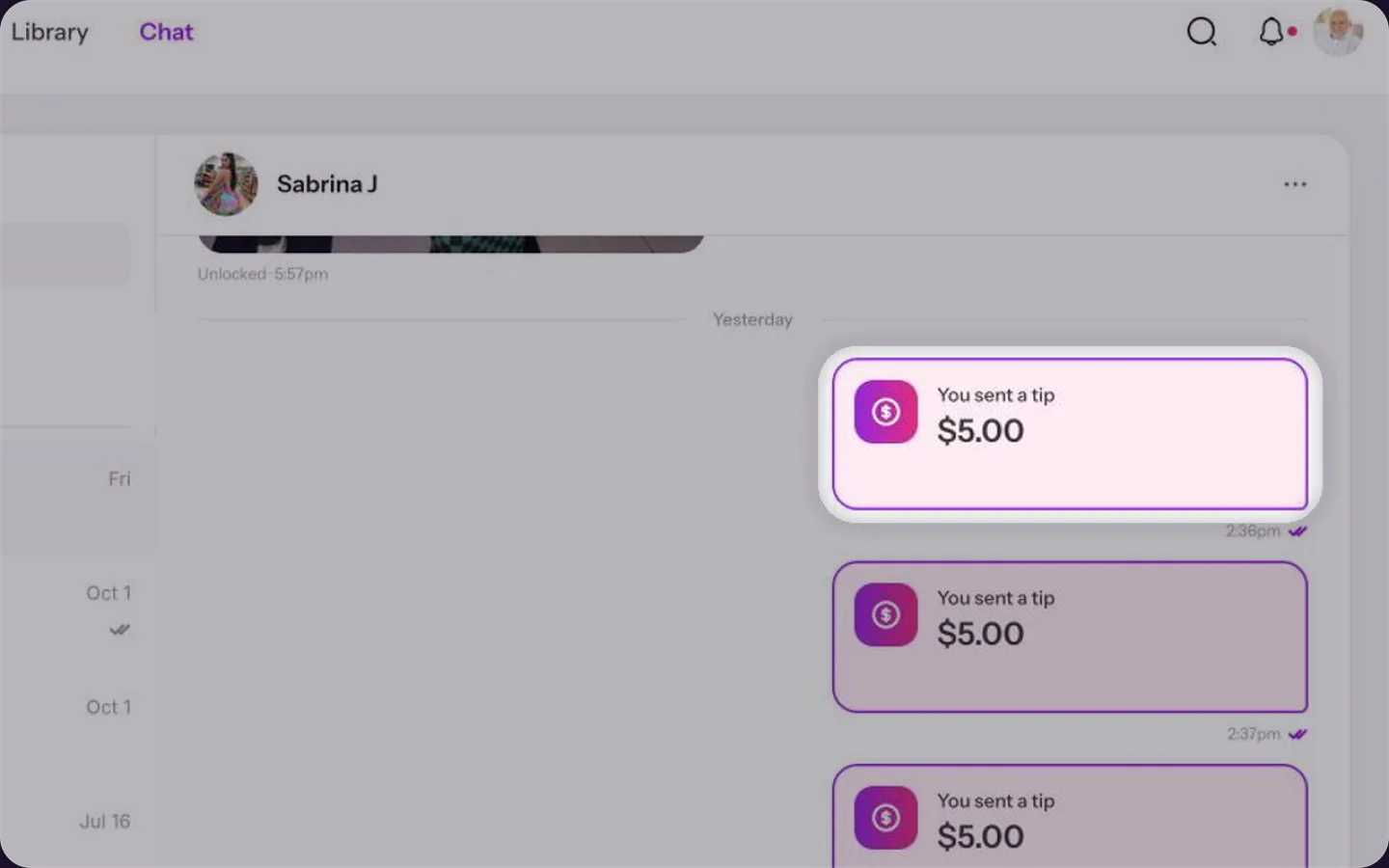
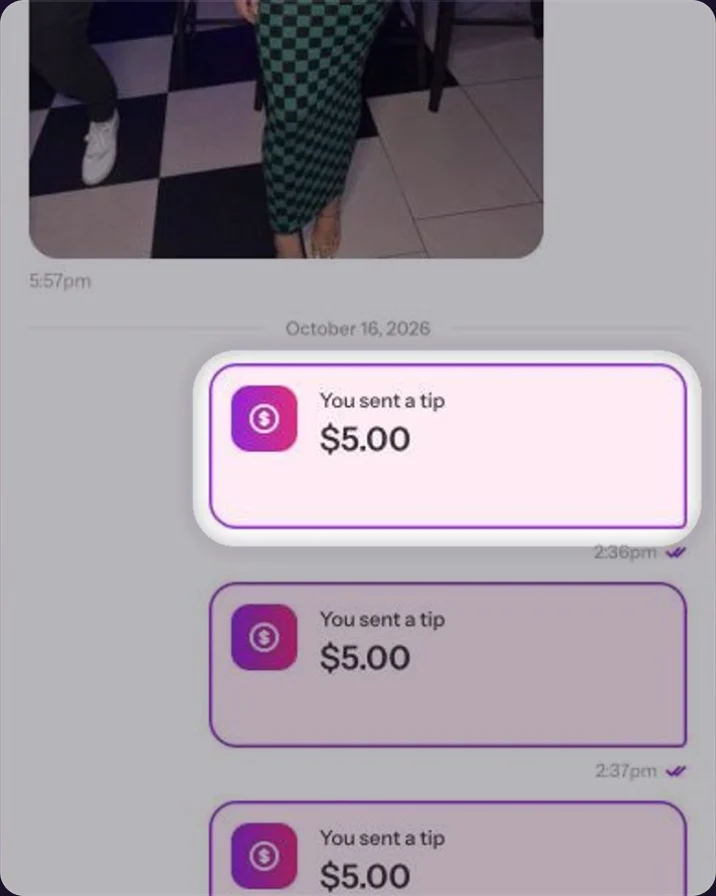
Your tip shows up in the chat with the amount and your message, so she sees it right away.
Common questions
$999 per tip.
No, the message is optional.
Close the window before you click Send tip. Once sent, the tip goes to her.Close the window before you tap Send tip. Once sent, the tip goes to her.
Keep reading
 Saved cards: add or remove a cardPayments
 Free trials: why we ask for a cardPayments
 Unlocking Premium content