Paying with crypto
Don’t want to use a card? You can pay with USDT (Tether) on the Ethereum (ERC20) or TRON (TRC20) network. Crypto subscriptions don’t renew: you buy a new one when it ends.
How to pay with crypto
4 steps
- 1
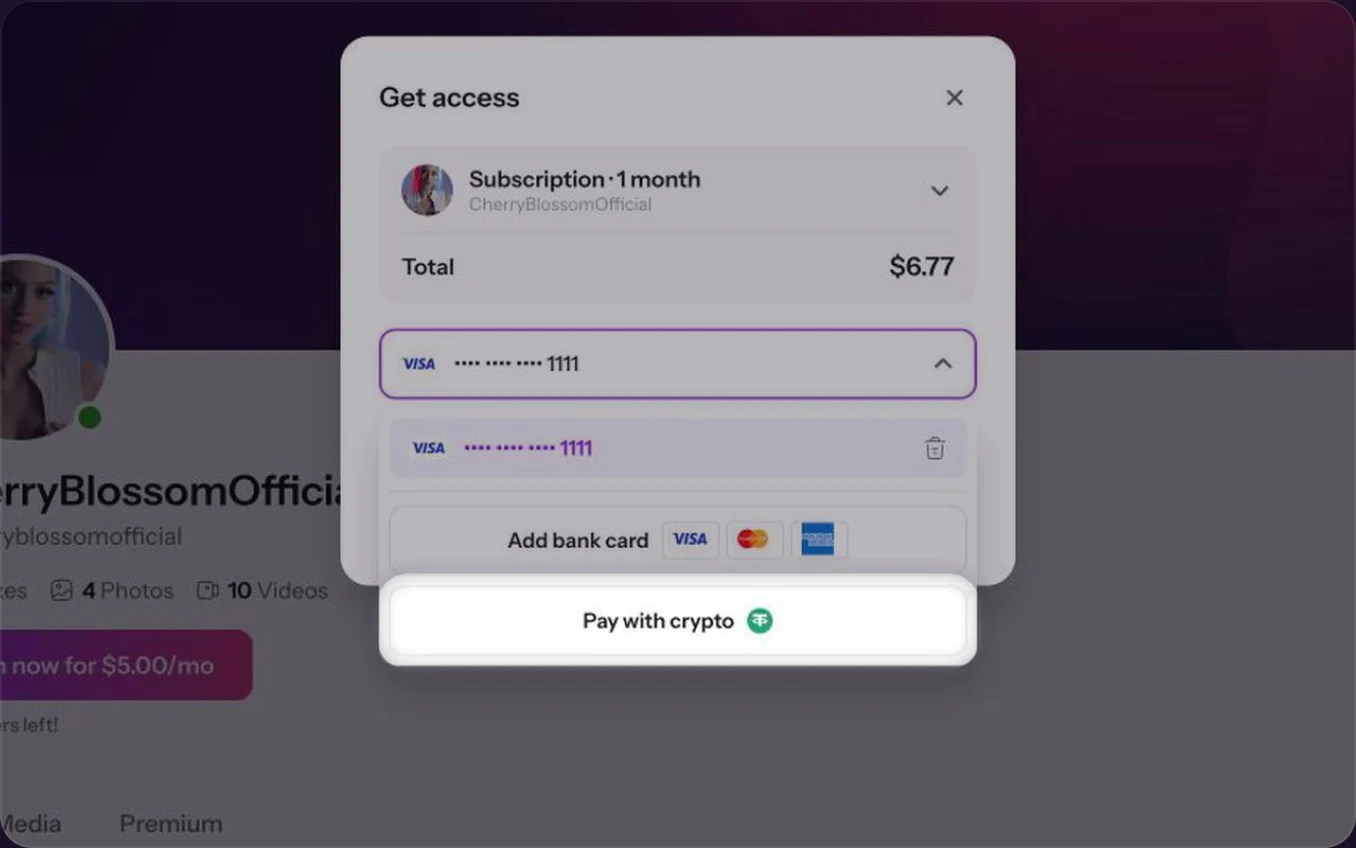
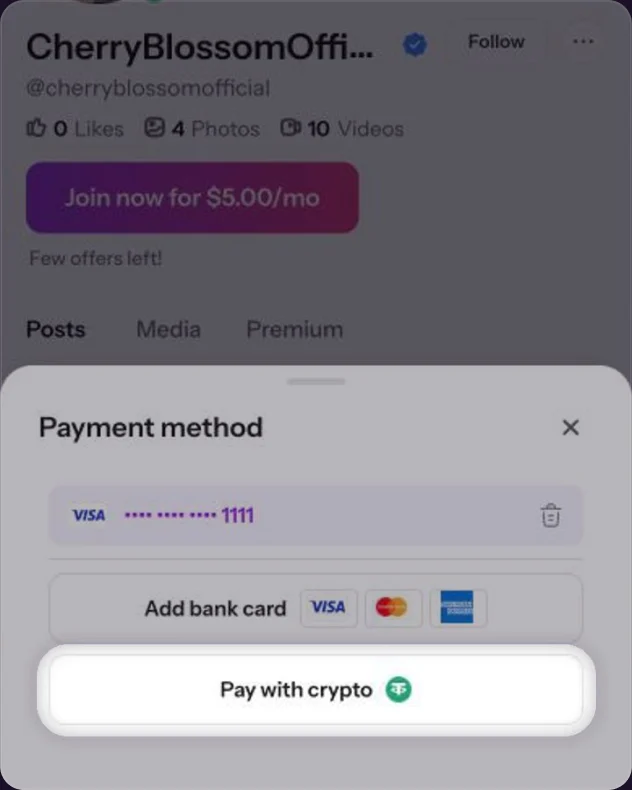
Choose Pay with crypto
In the Get access window, click the card, then Pay with crypto.In the checkout, tap the card, then Pay with crypto.
- 2
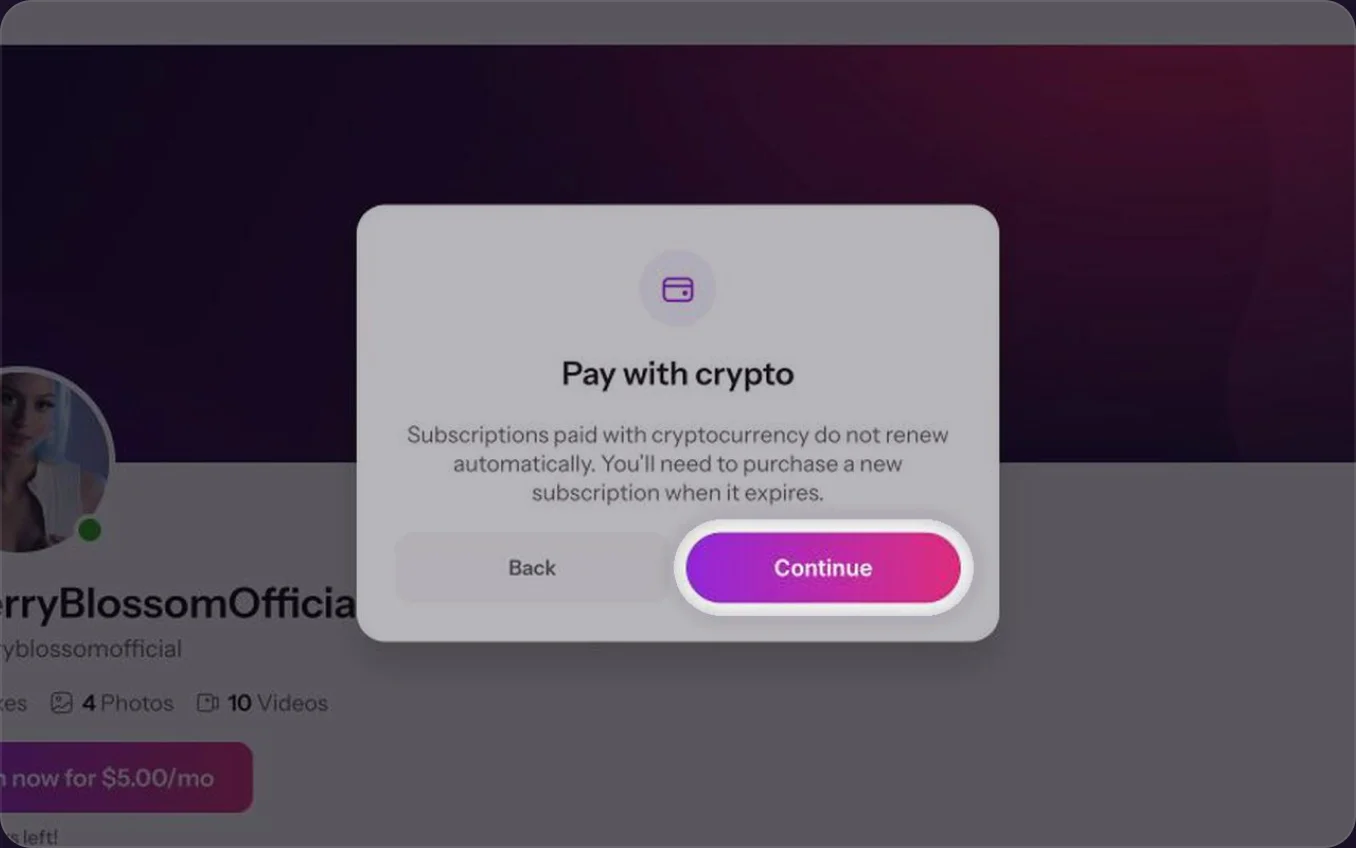
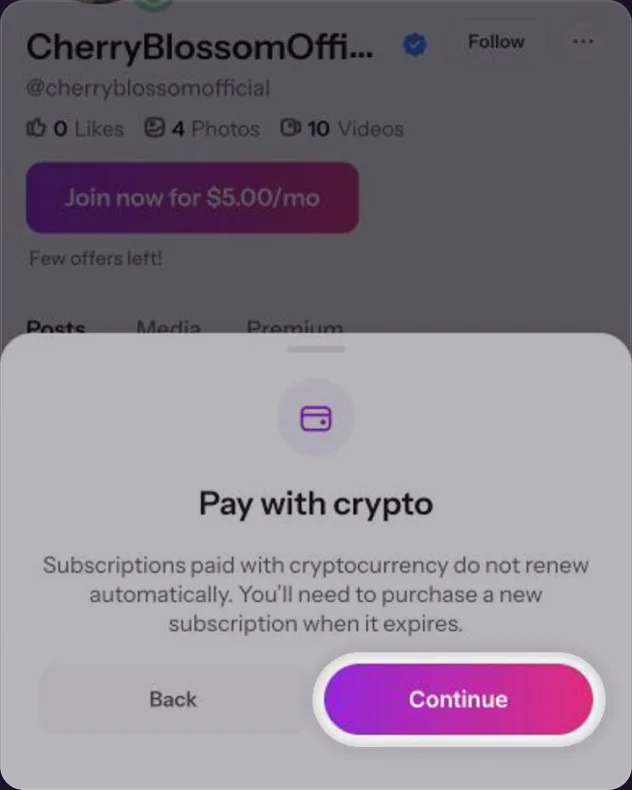
Click ContinueTap Continue
A notice reminds you that crypto subscriptions don’t renew. Click Continue.Tap Continue.
- 3
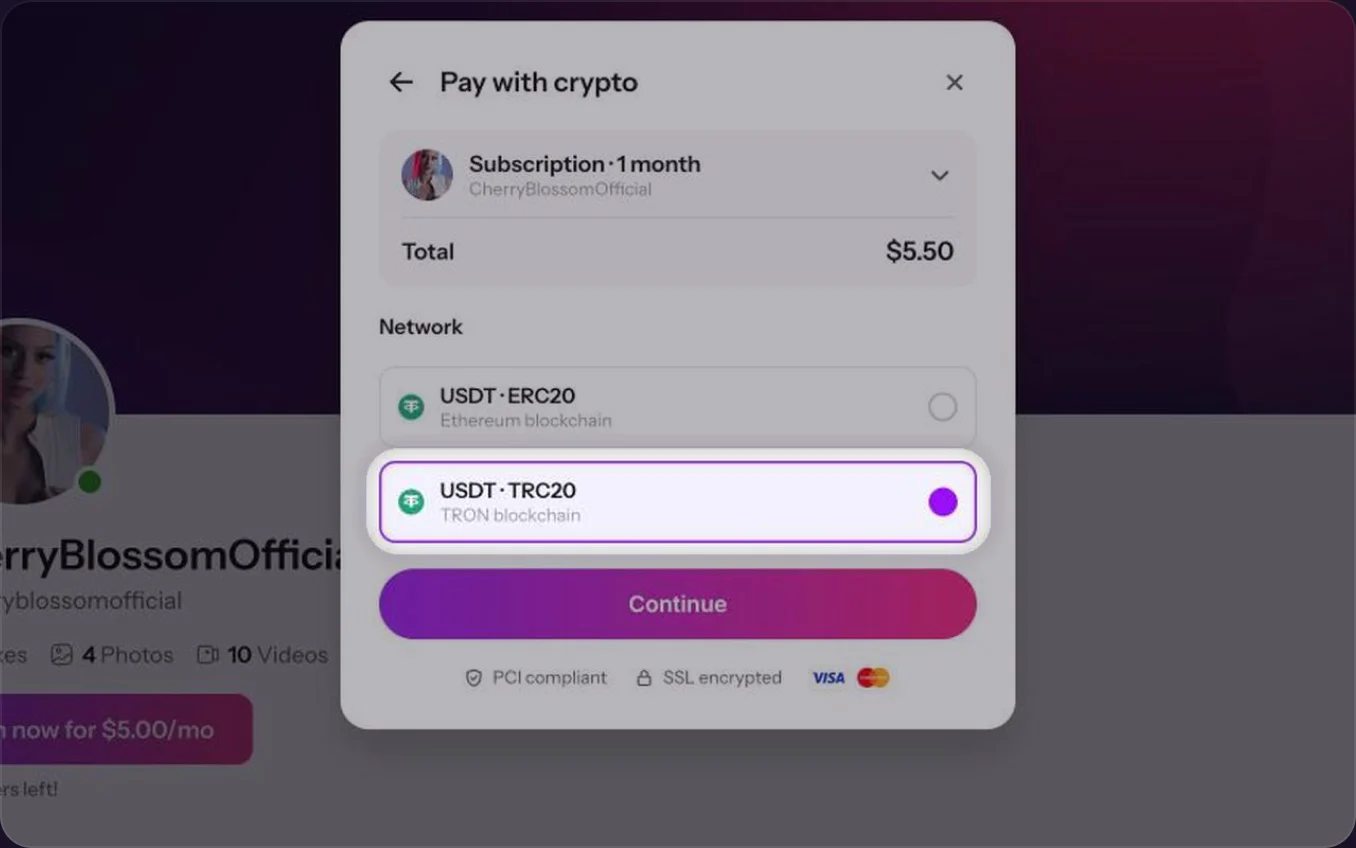
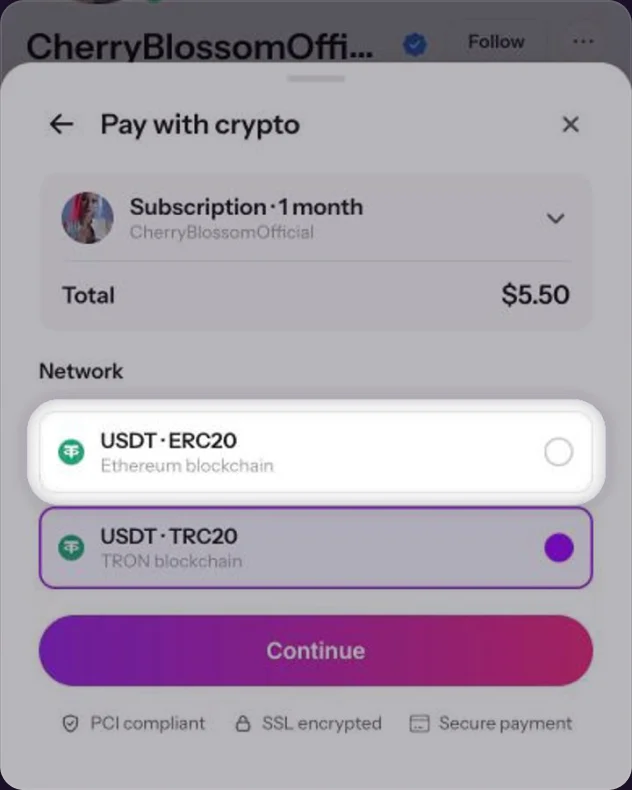
Pick the network
Pick the network your wallet uses: USDT on Ethereum (ERC20) or USDT on TRON (TRC20). Then click Continue.Pick USDT on Ethereum (ERC20) or on TRON (TRC20), the one your wallet uses. Then tap Continue.
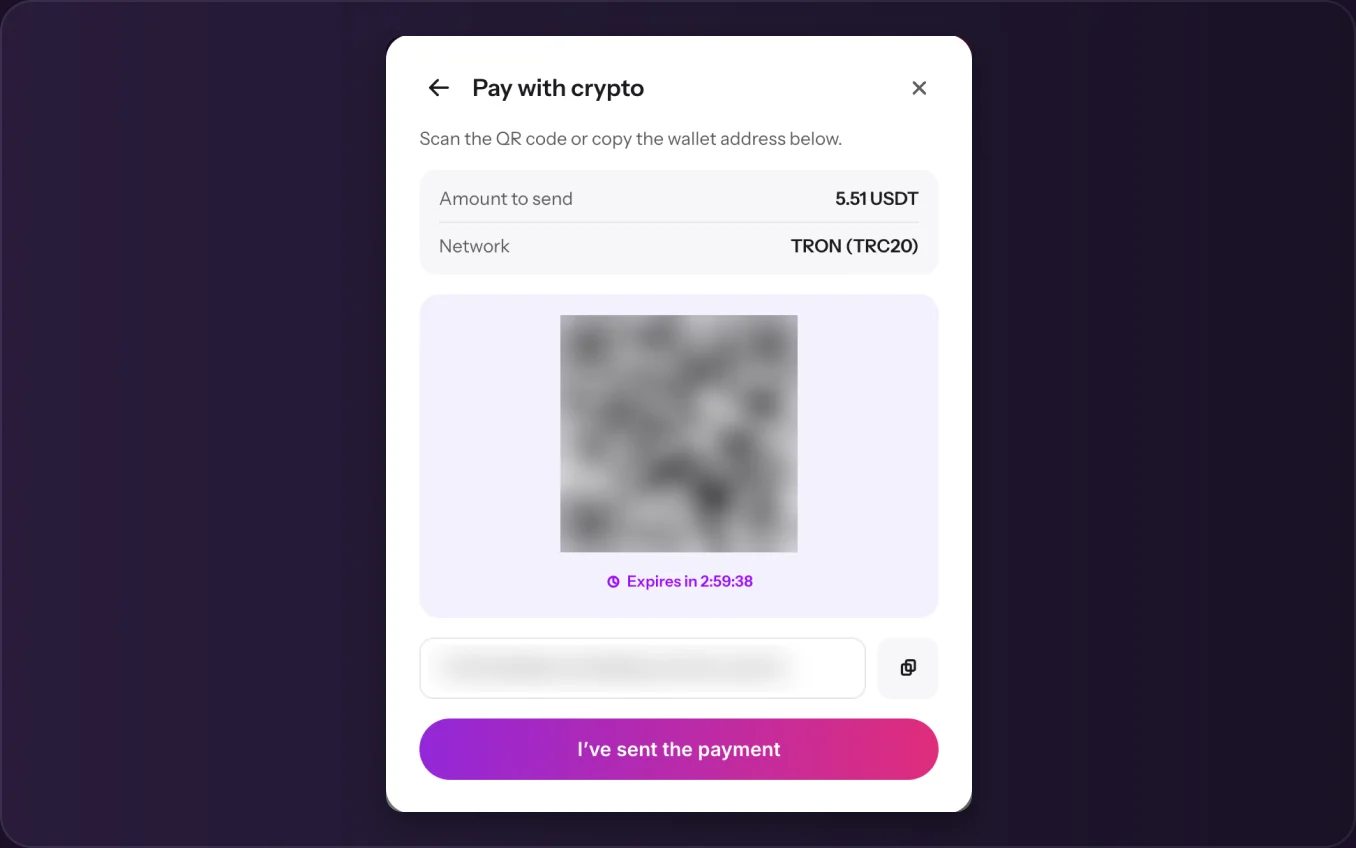
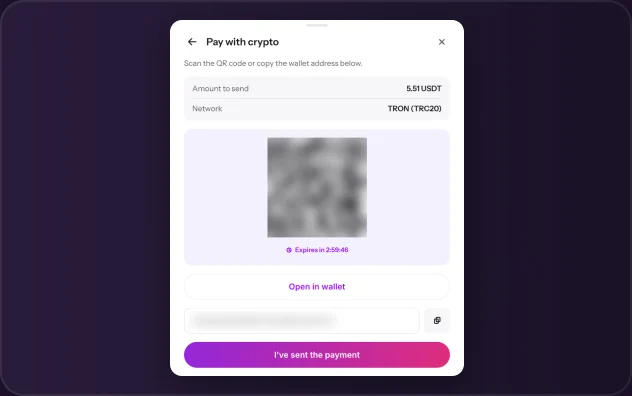
Send the payment
Scan the QR code with your wallet or copy the address, and send exactly the amount shown. The QR code is valid for 3 hours. Then click I’ve sent the payment.Tap Open in wallet, or copy the address, and send exactly the amount shown. The QR code is valid for 3 hours. Then tap I’ve sent the payment.
Closed the window?
No problem. Start the payment again and choose Pay with crypto to get back to the same QR code.
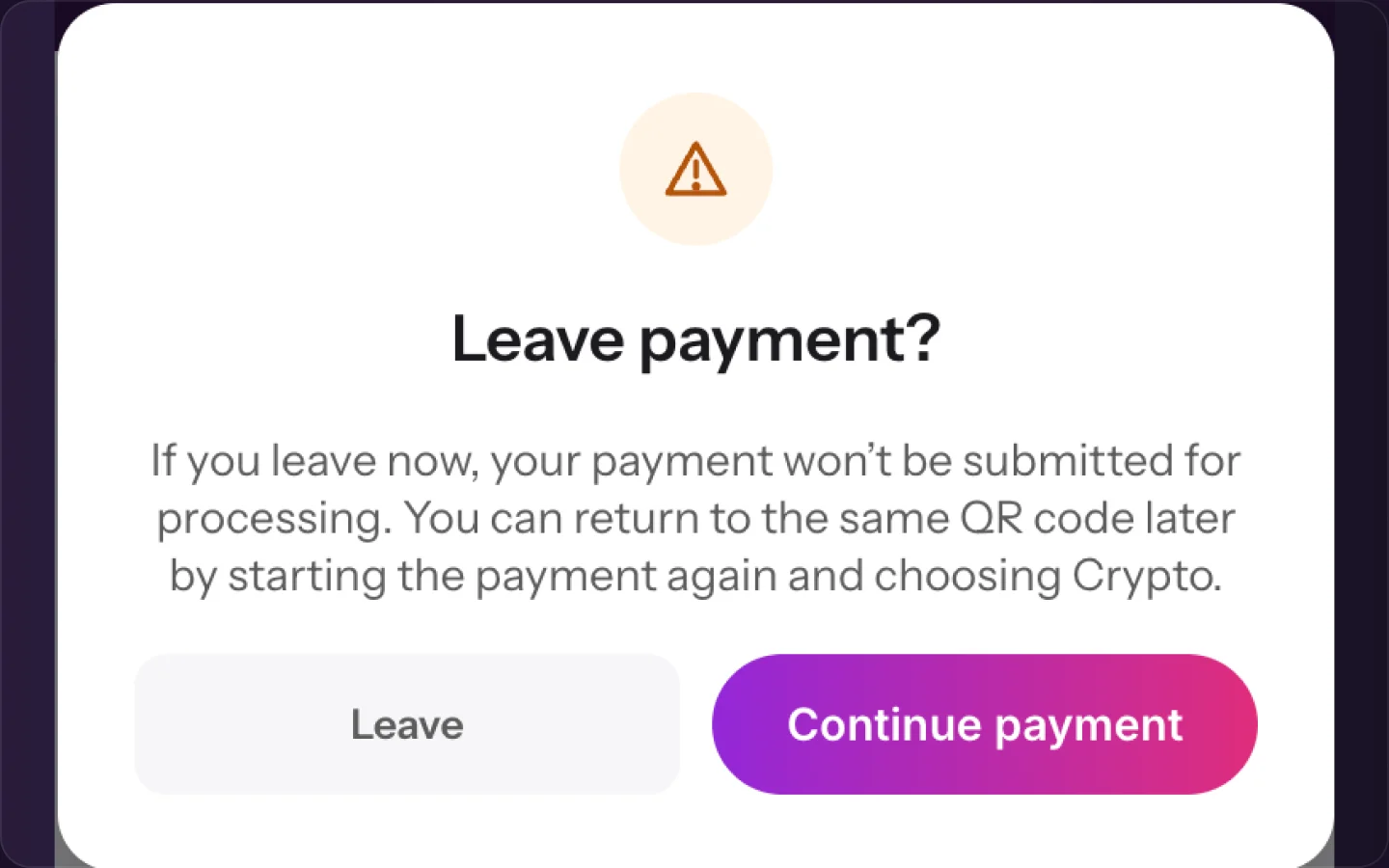
The window you see when you close the payment.
Common questions
No. When it ends, buy a new one. You can pay with crypto or a card.
USDT (Tether) on Ethereum (ERC20) or TRON (TRC20).
3 hours from when the QR code appears.
Keep reading
 Saved cards: add or remove a cardPayments
 Free trials: why we ask for a cardPayments
 Unlocking Premium content